CRM KitsFoundation repair and basement waterproofing contractors
Every repair plan on record. Every warranty traceable.
An inspection-to-repair board for foundation repair and waterproofing offices: every open job by stage, with its recorded plan lines in their own units, crew days and warranty status. Pier keeps inspections, estimates, the crew schedule, transferable warranties and referral partners in one connected workspace.
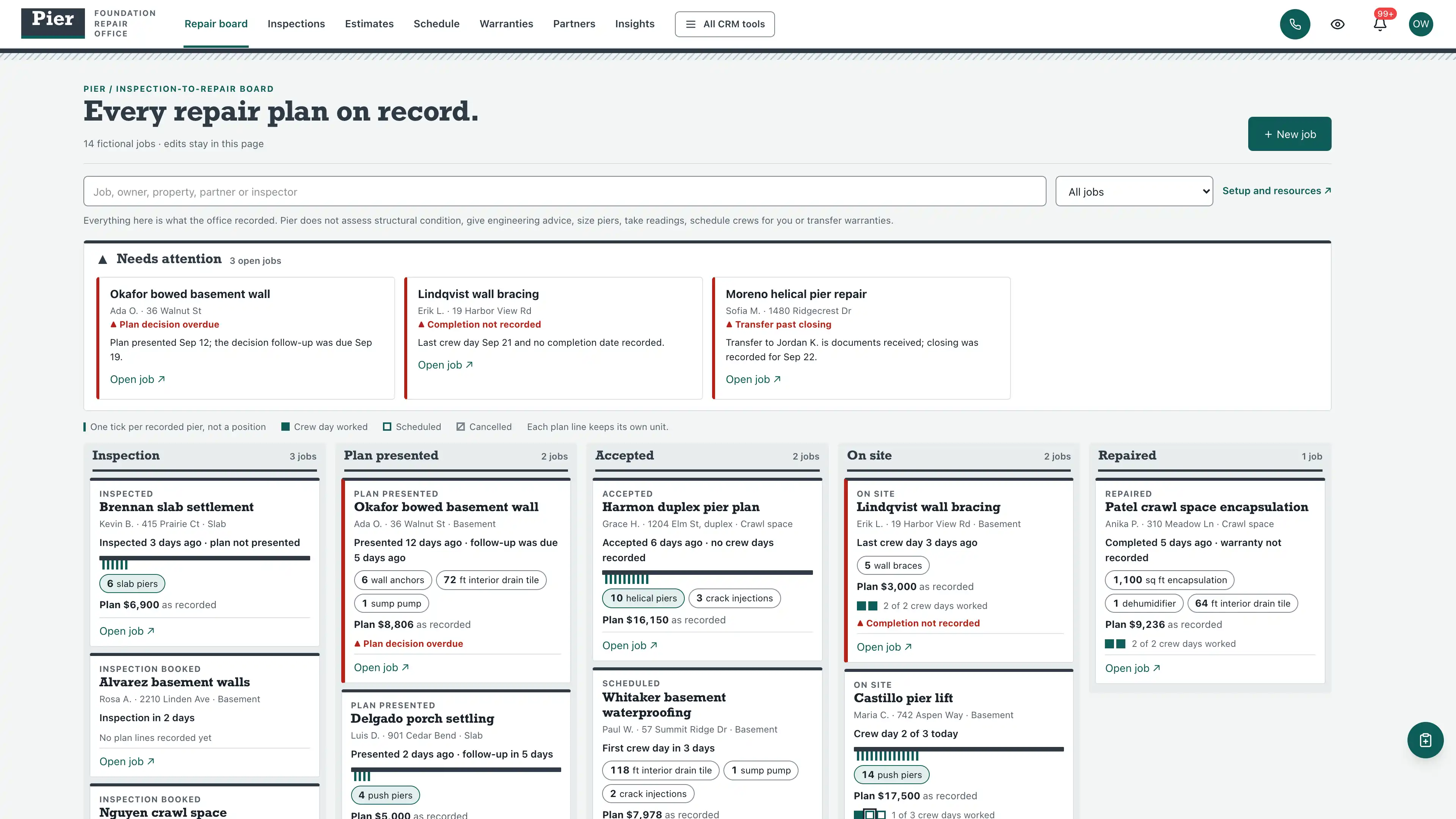
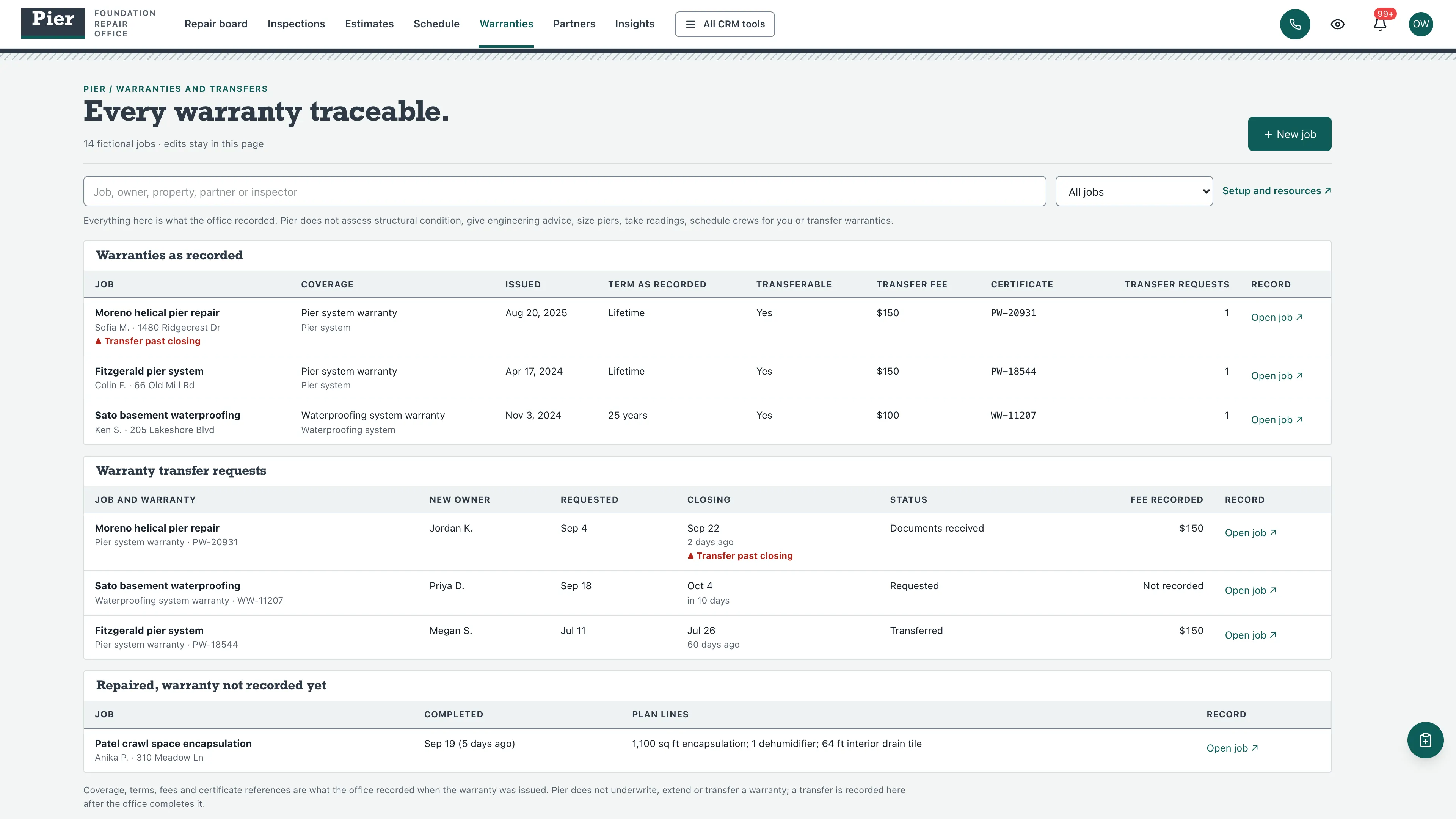
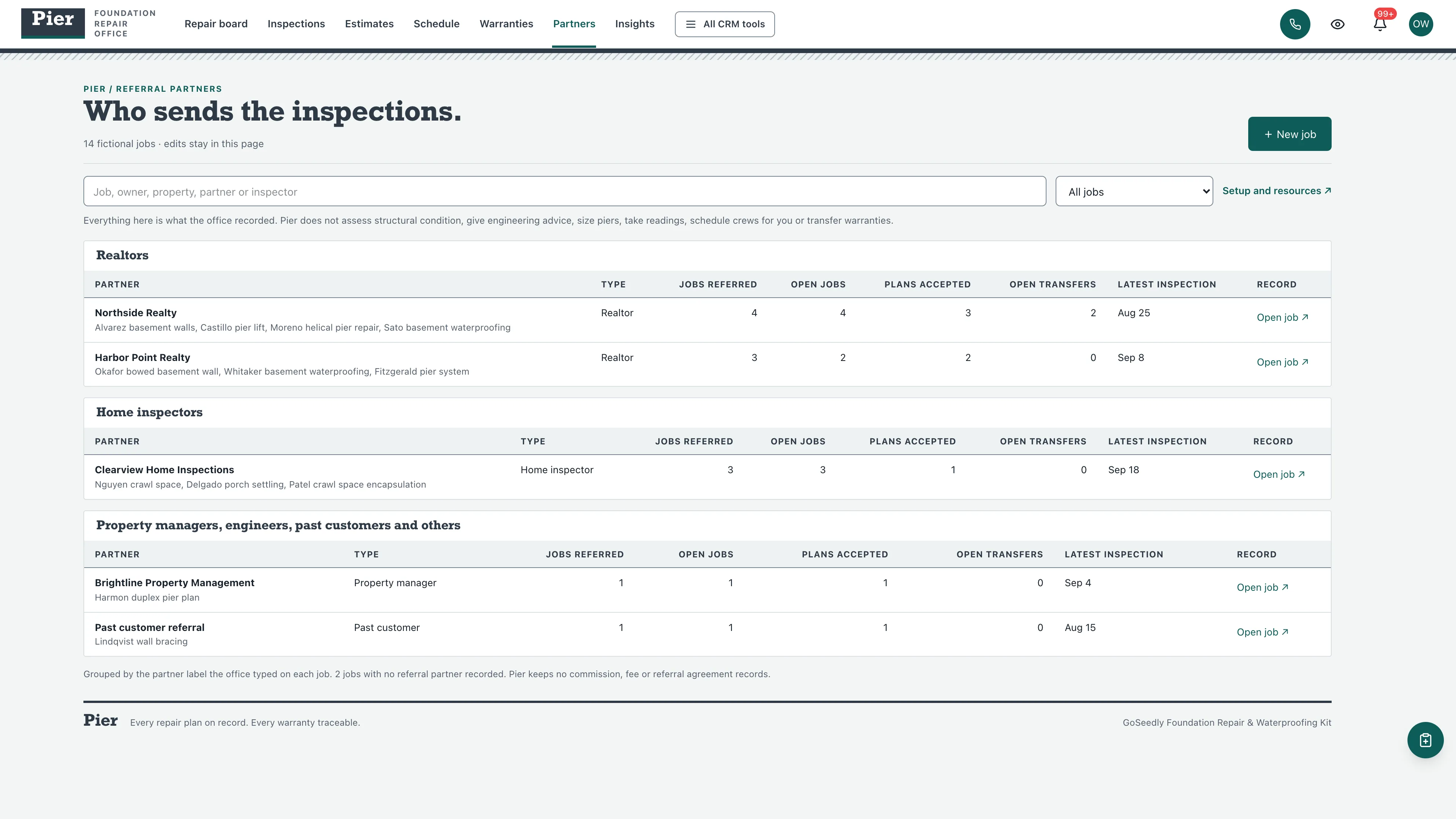
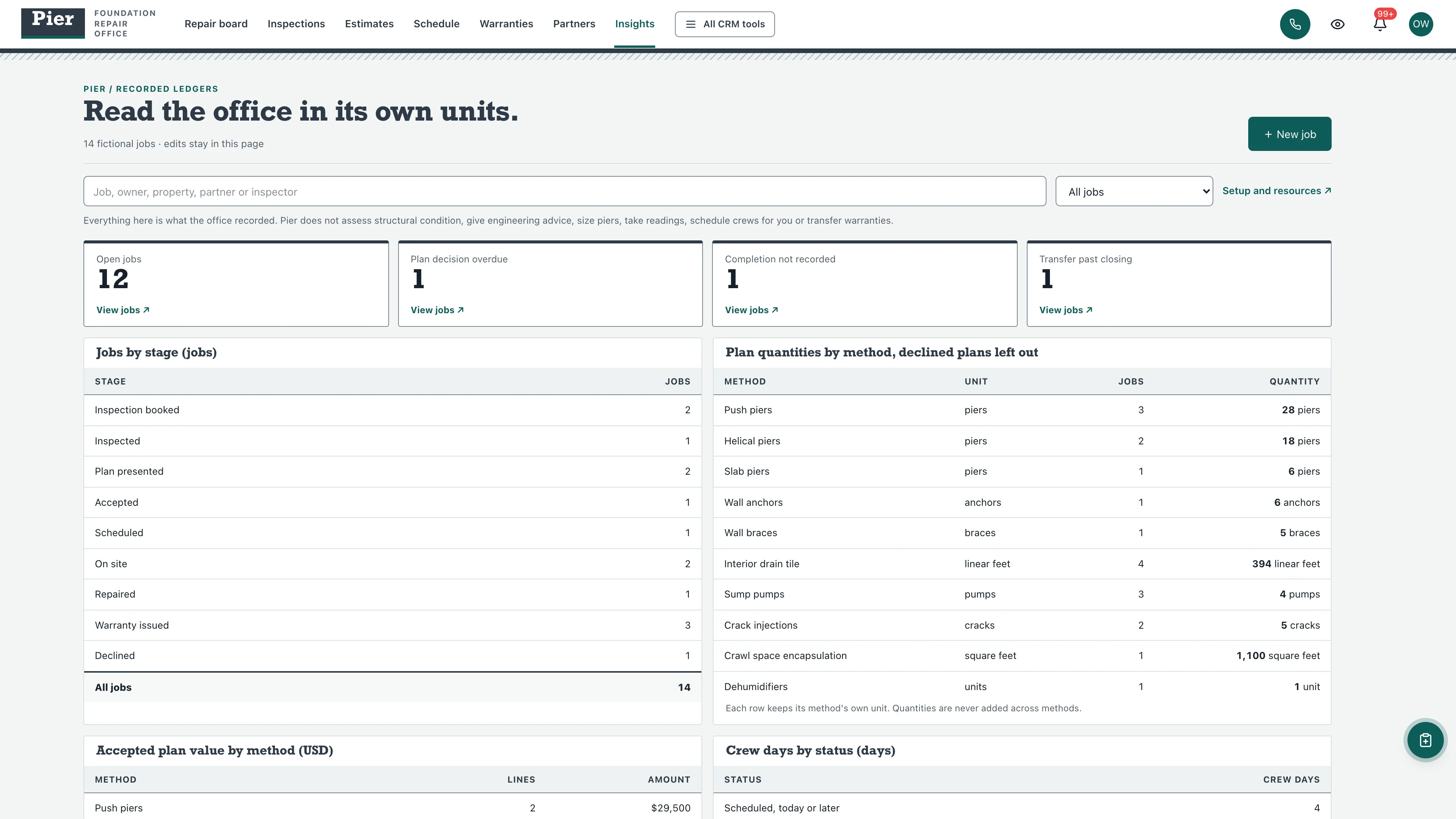
Every open job by stage.
Inspection, plan presented, accepted, on site and repaired columns, led by jobs with an alert. Each card shows its plan lines in their own units, one tick per recorded pier and crew day pips.
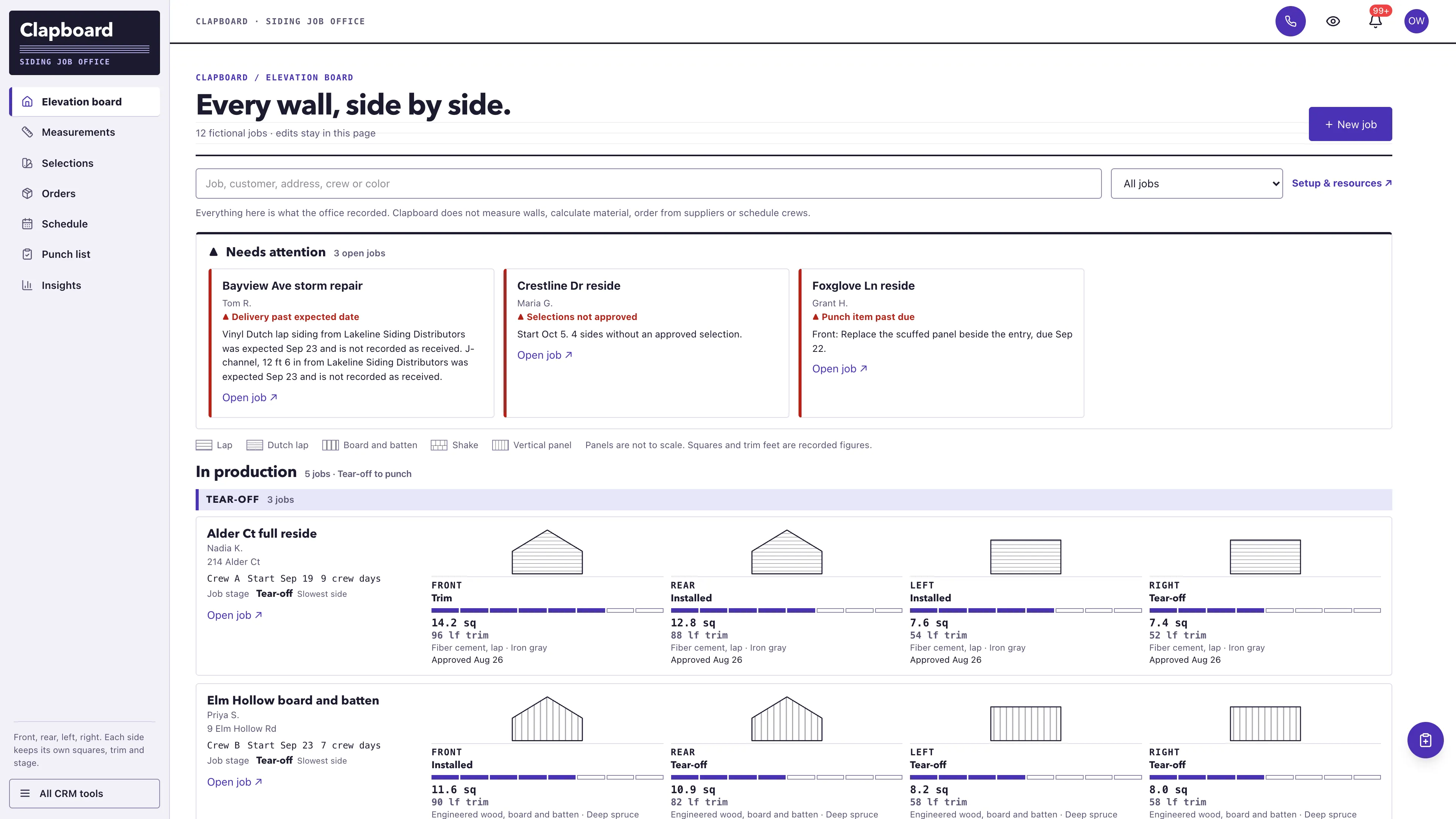
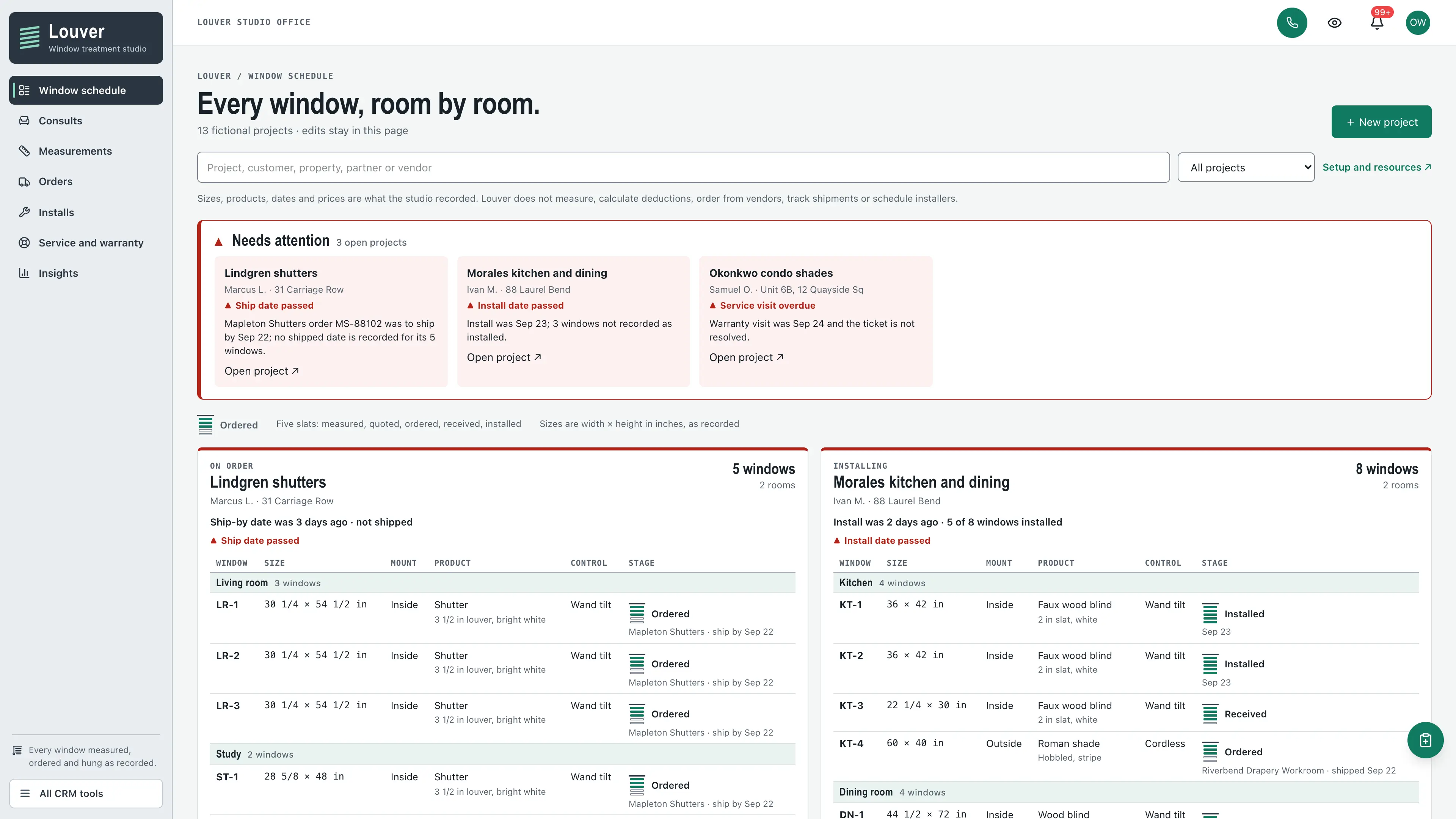
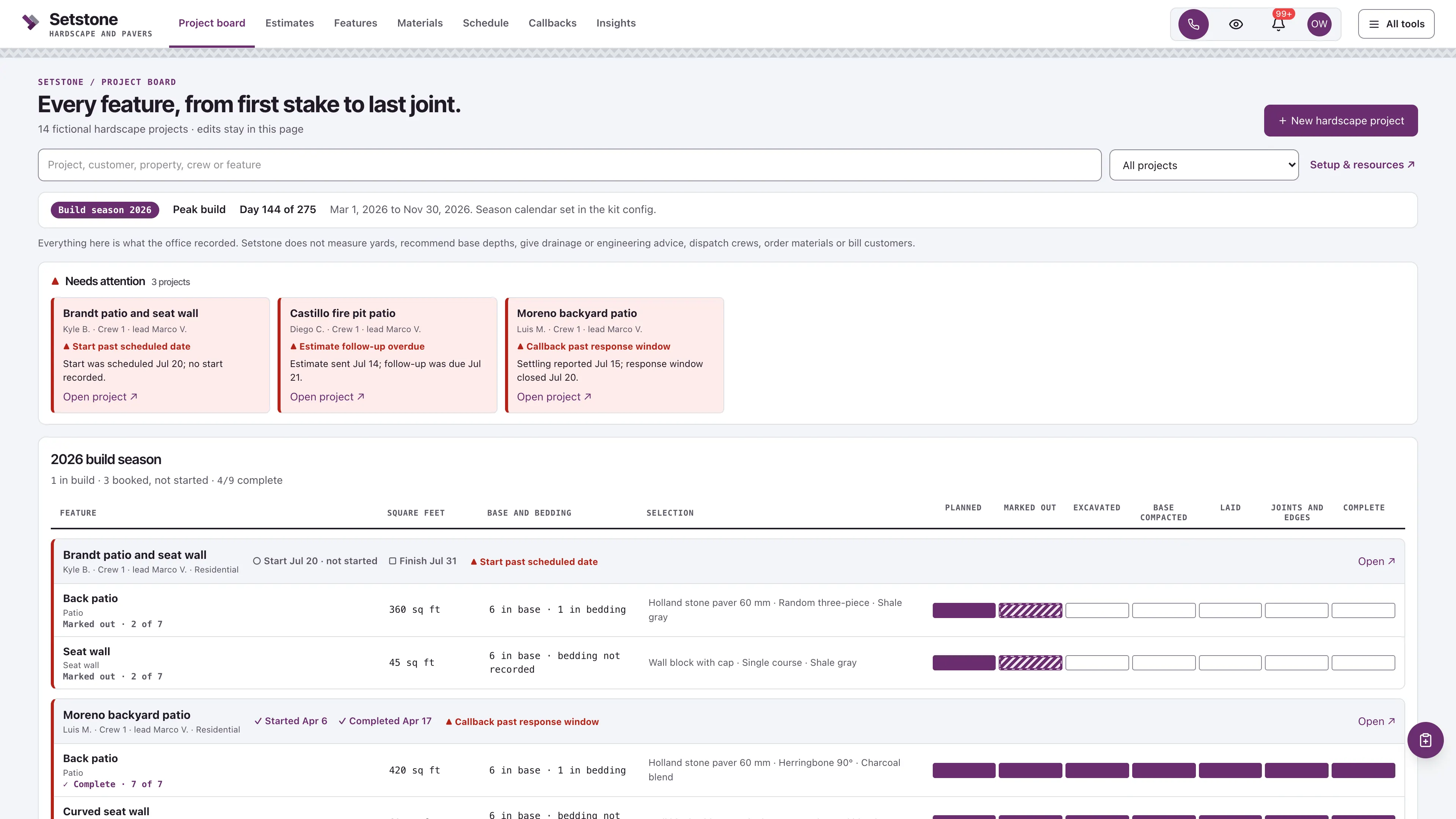
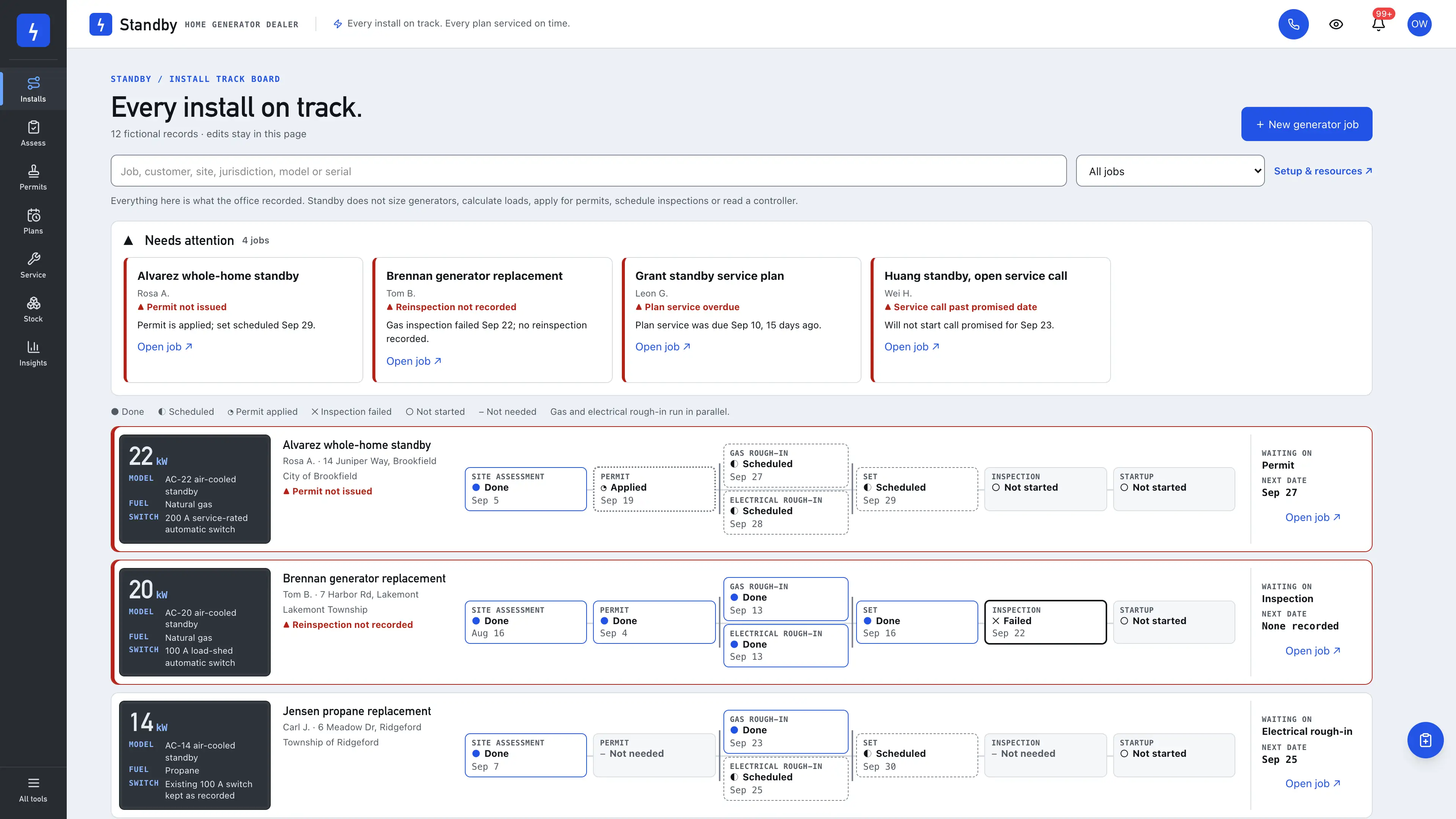
Actual interface captures with fictional sample data. Open a screenshot to see it full size.
What’s in the kit
Screens
- Inspection-to-repair board with a needs-attention strip
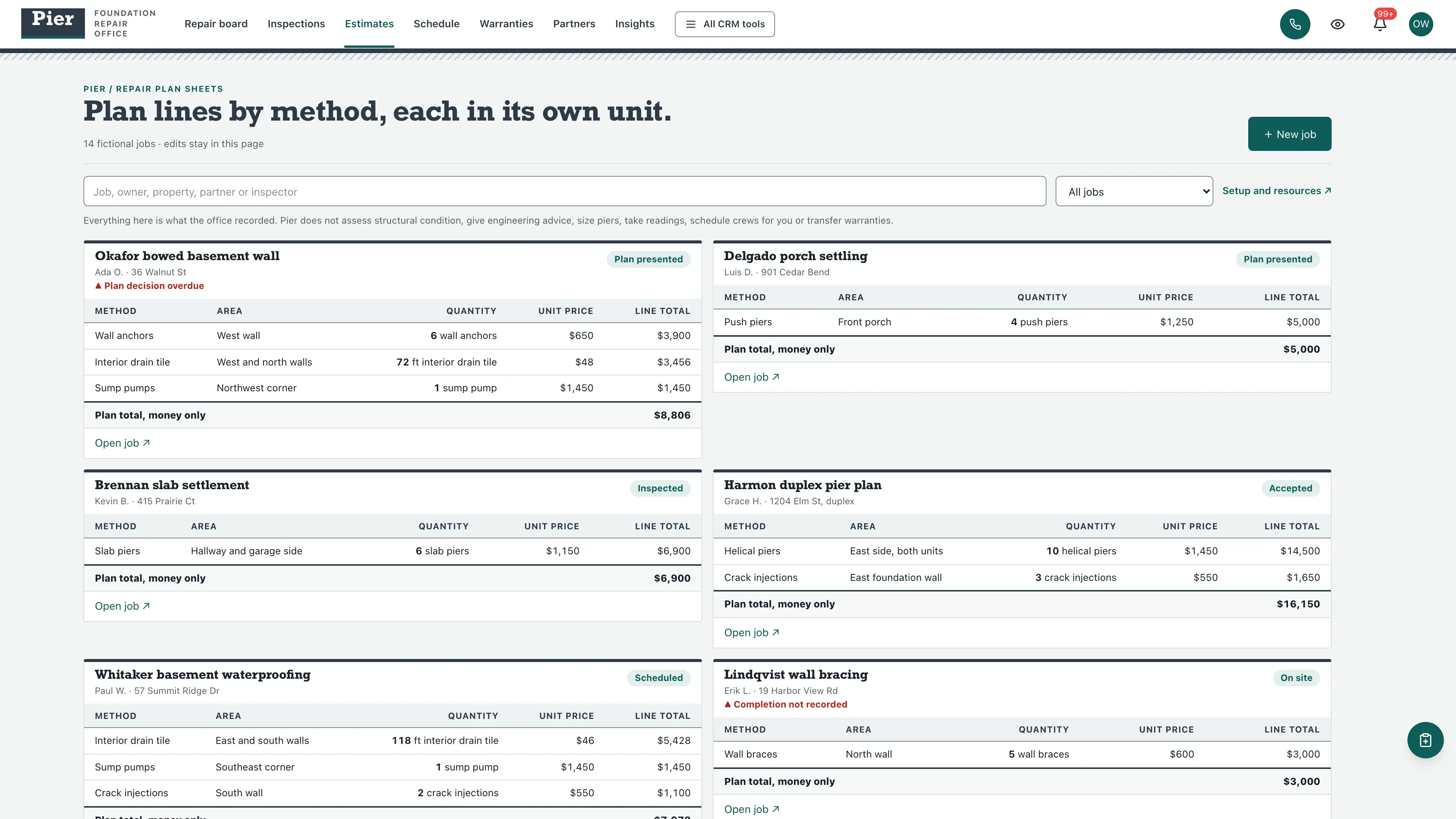
- Plan lines by method, each in its own unit
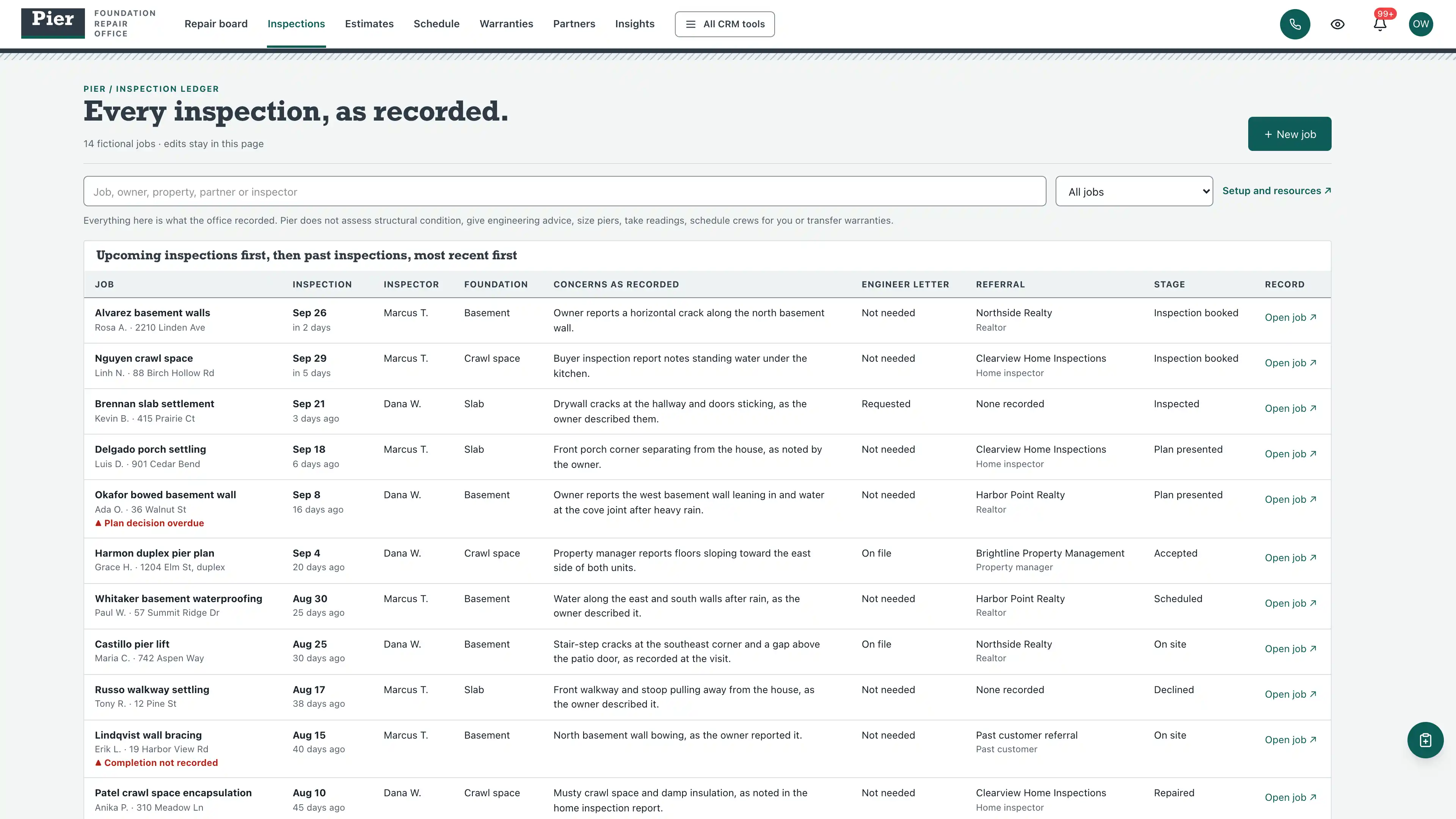
- Inspection ledger with concerns as recorded
- Plan sheets with money-only totals
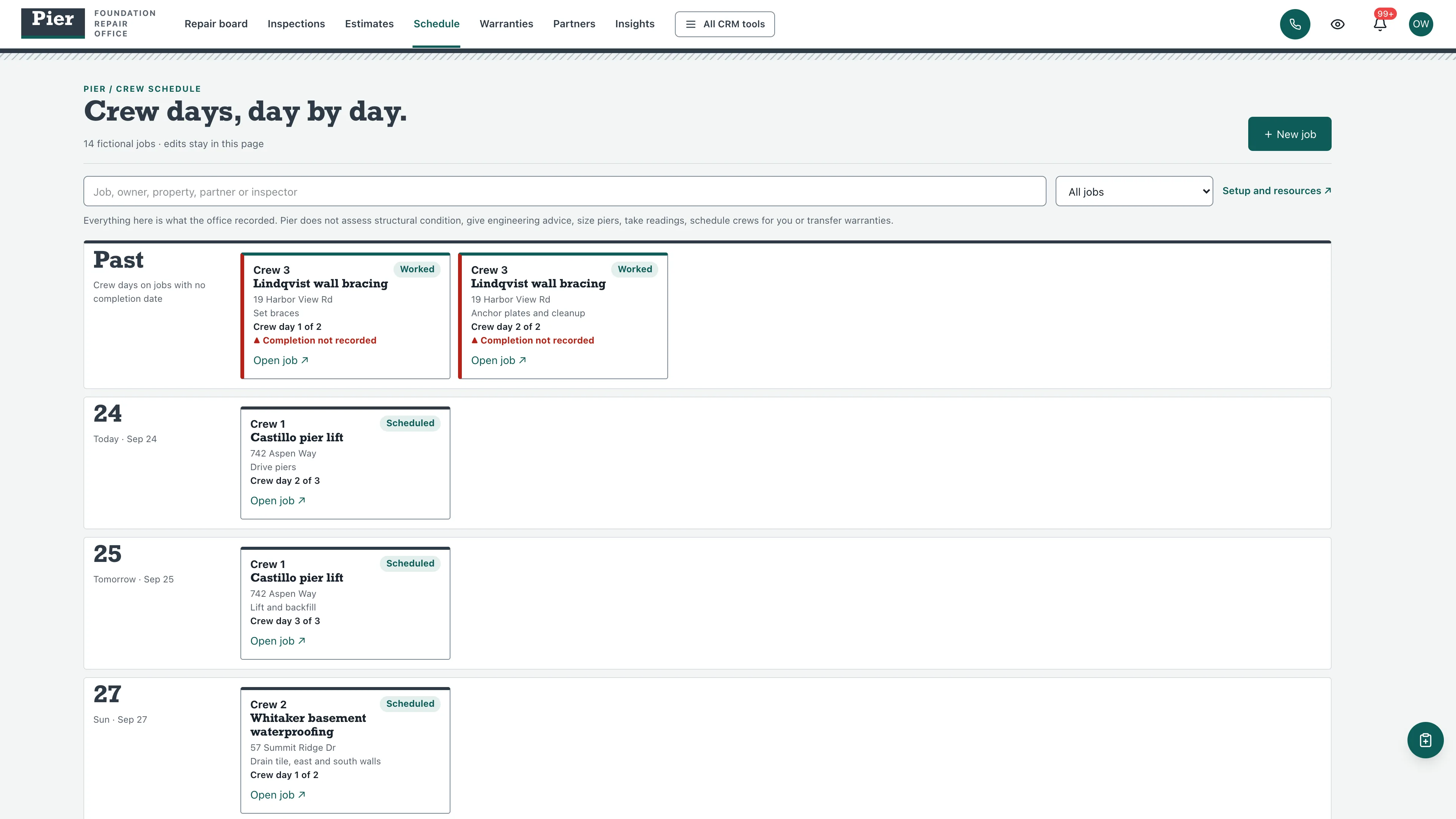
- Crew schedule by day
- Warranties with recorded transfer requests
- Referral partner tables and insights ledgers in separate units
- Three native form drafts and three editable document templates
- Editable per-job checklists and a lockbox and gate code guard
four pipelines
- Foundation repair jobs · 8 stages
- Waterproofing jobs · 7 stages
- Warranty transfers · 7 stages
- Referral partners · 7 stages
Optional. Install the ones that match your work, or connect drafts to a pipeline you already use.
nine workflow drafts
- Inspection preparation
- Inspection notes review
- Plan follow-up
- Crew day scheduling
- Completion walk-through
- Warranty certificate
- Install day confirmation
- Transfer request review
- Partner follow-up
Inactive until you review and publish them. None send customer messages.
Forms and documents
- Foundation inspection request
- Warranty transfer request
- Referral partner introduction
- Repair plan summary
- Crew day sheet
- Warranty transfer record
Editable native forms and document templates. Forms collect information for staff review.
Sample workspace
Explore 14 fictional jobs with 20 plan lines, 15 crew days and 3 warranties. Sample edits stay in memory and reset on navigation or reload.
No sample customers are added to your CRM.
Setup and source
- Guided setup and compatibility report
- Private rollback receipt
- AI-agent guide for customized installations
- Original editable source, configuration, and tests
How setup works
Full installation guideCheck your Seedly
Extract the kit and run the guided setup. It checks your installation and flags customized files before it changes anything.
Connect the helper
Deploy the included helper from your backend source, then build your web app and choose any starter pipelines and drafts.
Make it yours
Set business name, descriptor and default pipeline name. Then sign in and check the workflows and permissions your team uses.
Technical details and compatibility
Seedly CRM 5.8.4 · extension API 1. Node.js 20 or newer. The installer checks supported integration-file versions and does not deploy your web app or backend. The included original backend helpers are required for connected job creation, edits and resource setup. They preserve native account permissions, unrelated custom fields and row history, refuse lockbox, gate and alarm codes, card numbers and government identifiers, and check revisions before saving. Deploy them from the authoritative backend source. Pipelines and workflow drafts are optional.
One contact-linked job holds the property and foundation type, referral partner, inspection date and concerns as recorded, plan presented, accepted and completion dates, plan lines by method with unit prices, crew days, warranties, warranty transfer requests and an editable job checklist.
Everything shown is what the office recorded. The kit does not assess structural condition, give engineering advice, recommend repairs, size or space piers, take moisture readings, apply for permits, dispatch crews, underwrite or transfer warranties, collect signatures, take payments or send messages.
Four optional pipeline templates and nine inactive workflow drafts. 14 fictional in-memory jobs.
Calling, messaging, signing, payments, and external integrations depend on your Seedly installation, account permissions, plan, and configured providers. Screenshots use sample data and reference imagery. Hosting, installation, and ongoing maintenance are your responsibility.
Get the Foundation Repair & Waterproofing Kit
Checking access…

DevLaunch All Access
Every kit and every template.
- All 220 CRM kits for Seedly CRM
- All 270 website templates for Seedly Sites
- Every class, course, and product we release, added as it ships
- Private calls with Aaron
Already a member? Open your downloads.
Questions
How do I receive the kit?
Purchase securely through Whop. Your original source ZIP and installation documentation are delivered manually to the email used at checkout. This is a one-time purchase of this kit; Seedly software, hosting, and installation services are separate.
Does this include Seedly CRM?
You obtain and configure Seedly separately. The kit adds original frontend screens, a shared theme, starter definitions, and integration instructions. It does not include Seedly’s codebase, license, hosting, or a separate CRM database.
Is this one connected workspace?
Pier keeps its white top bar and footing band across the kit views and the native CRM tools in the same signed-in account. Contacts, Calendar, Estimates, Documents, and other full modules retain the functionality supplied by your own Seedly installation. Existing authored content and provider screens retain their own layouts.
Can I use it with existing customizations?
Yes, with a compatibility review. The installer checks the supported integration files. Changed integration files need a reviewed merge; the included AI-agent guide explains how to preserve custom extensions, permissions, providers, and routes.
Do I have to import all the starter content?
No. Choose individual pipelines and workflow drafts, use a compatible existing pipeline, or install none. Workflows remain inactive until reviewed and published. They use native triggers, internal tasks, optional notes, and timed waits. A wait does not verify task completion or recheck the current stage. The included drafts do not send customer messages.
Can I remove the examples and starter content?
Sample records stay in memory and never create customers in your CRM. Leave sample mode to return to your account. Starter setup lets you review removal of unused kit additions; server checks retain edited or published workflows and pipelines with live work or references. Removing the frontend does not delete account records.
Can different subaccounts use different kits?
The current design and branding apply to the whole web installation. Subaccounts still separate data and access. Use a separate web installation for another full-interface kit; running different kit designs by subaccount in one installation requires additional customization.
More trades & construction kits
Browse all 220 kits