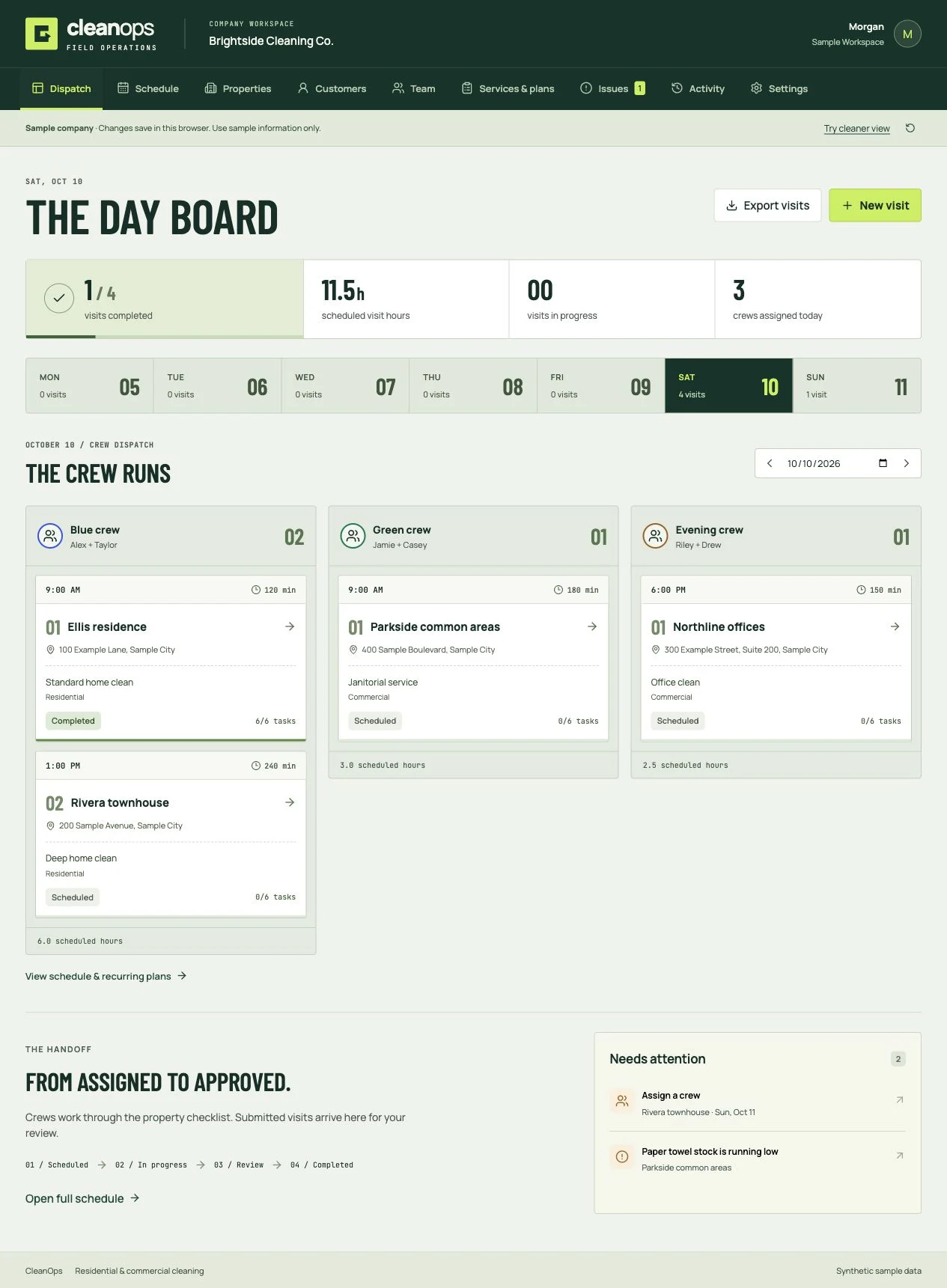
CleanOps
Cleaning business software
Book the clean, dispatch the crew, review the work, and invoice the customer. Residential and commercial software you own.
Checking access…
The specialist workforce you can see, direct, and own.
Assign a campaign, search roadmap, roofing estimate, field quote, or inspection workflow instead of rebuilding context in a chain of prompts. Your specialists do the work while you control every approval, edit, model, and dollar.
10
core employees
104
complete employees
14
departments
( Not another chatbot shell )
See who is working, what they are making, where they are blocked, which model is running, what it costs, and what needs your approval, without digging through chat threads.
workforce.yourcompany.com
ARMonday / Creative HQ
03
Working
05
Queued
02
Review
$14.82
Today
Active campaign
72% COMPLETELaunch the summer product campaign
4 deliverables · approve plan · $35 budget
Morgan handed off 3 child tasks
Campaign plan approved · 2 min ago
Your workforce
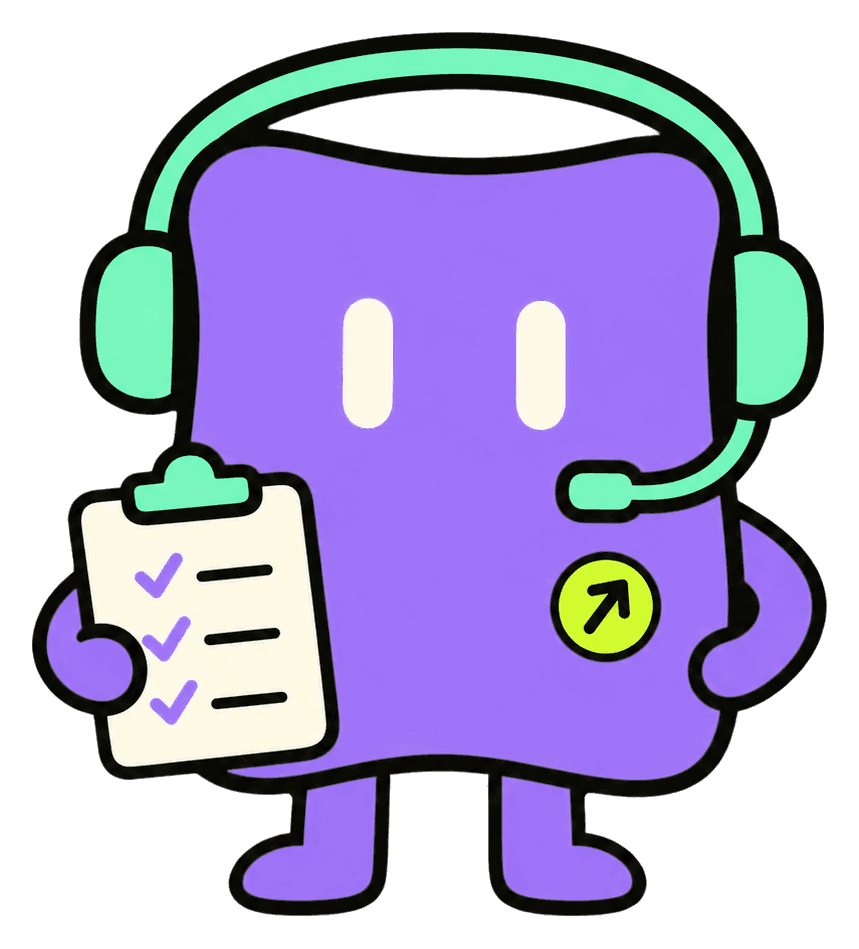
Morgan
Operator
Luca
Graphics Designer
Miles
Video Editor
Tasks, handoffs, events, costs, revisions, approvals, and deliverables live in the Task Room.
Choose autopilot, approve-plan, or step-by-step. Sensitive actions always stop for authorization.
Checkpointed work can resume across retries, model switches, workers, and human edits without starting over.
( New / Workflow automation )
Turn repeatable work into versioned workflows with triggers, forms, decisions, employees, approvals, waits, MCP tools, browser control, and durable run receipts.
Workflow / Lead to booked appointment / Draft v3
TRIGGER
New service lead
On success →
EMPLOYEE
Paige qualifies
On success →
CONDITION
Ready to book?
On success →
APPROVAL
Human sign-off
On success →
MCP CONTROL
Create CRM record
On success →
END
Booked
On success →
Browser control
Verify service-area result
Approved domains / 12 steps
Employee nodes
Give one specialist a clear objective, explicit inputs and deliverables, a budget, and only the tools that step needs.
MCP control
Prefer MCP when a reliable tool or API exists. Discover the contract, validate arguments, and require approval for external or mutating calls.
Browser control
Set a narrow success condition, public-domain allowlist, and hard step limit. Every browser run starts behind human approval.
Start from a proven shape. Test before publishing, keep consequential actions behind approvals, inspect receipts, then automate only the stable parts.
( A campaign you can practice )
Try a workshop campaign with one square graphic and one short vertical video. This illustrative exercise follows Morgan, Luca, and Miles through planning, creation, and review.
01
Provide the verified offer, brand assets, footage, budget, and reviewer. Review the proposed assignments before work begins.
02
Give Luca the graphic brief and Miles the video brief. If the video needs the graphic, pass the approved artwork into that step.
03
Open the exports and editable projects, check the offer facts, and review the run record. Approve the final versions before publishing.
Start with a deployed installation and your own provider credentials. These three roles are included in Core; provider usage and infrastructure are separate operating costs.
Get the campaign brief and step-by-step guide →( New / Conversation AI )
Connect SMS, an iMessage bridge, web chat, email, WhatsApp, Instagram, Facebook, or a custom source. Give each step an objective, facts to collect, tools, success criteria, and exit routes—then hand the work to the right AI employee or person.
Conversation AI / Membership inquiry / Live workflow
AI activeJordan R.
Downtown membership inquiry
Do you have a 6am class and a trial option?
Web chat / New lead / turn 1
Yes — which location works best for you? I can help narrow down the right class and capture a tour request.
Nico / Membership sales / turn 2
Downtown. I’m mostly looking for strength training.
Intent / Membership / turn 3
Current objective
Step 2 of 4Confirm location, goals, and preferred tour window.
Build versioned objectives, ordered exits, required fields, waits, and timeout routes inside the visual workflow builder.
Normalize provider events into one durable contract, then send replies back through a retryable outbound webhook.
Route qualified leads, knowledge gaps, estimates, creative requests, or service needs to named employees with the context intact.
Take over live, review replies, pause AI, resume safely, honor opt-outs immediately, and keep consequential actions approval-gated.
Test lab
Run the real agent, model route, workflow, action guards, and follow-up logic without delivering customer messages.
Conversation intelligence
Track qualification, booking intent, first-response time, lead score, sentiment, and per-agent performance.
Self-healing knowledge
Unknown business questions become reviewable knowledge gaps instead of fabricated answers.
Durable safety
New inbound messages suppress stale replies; failed turns move to a human queue; opt-outs cancel follow-up.
( Meet the employees )
Every employee has a distinct name, role, and set of tools. Morgan carries the plan, Luca brings the drawing tablet, Miles handles the clapperboard, and every specialist in the directory has a clear job to own.
Operator
Normalizes the brief, builds the plan, routes work, manages approvals and budgets, and reviews the campaign as one system.
Graphics Designer
Builds ads, thumbnails, posts, carousels, campaign graphics, and editable visual assets.
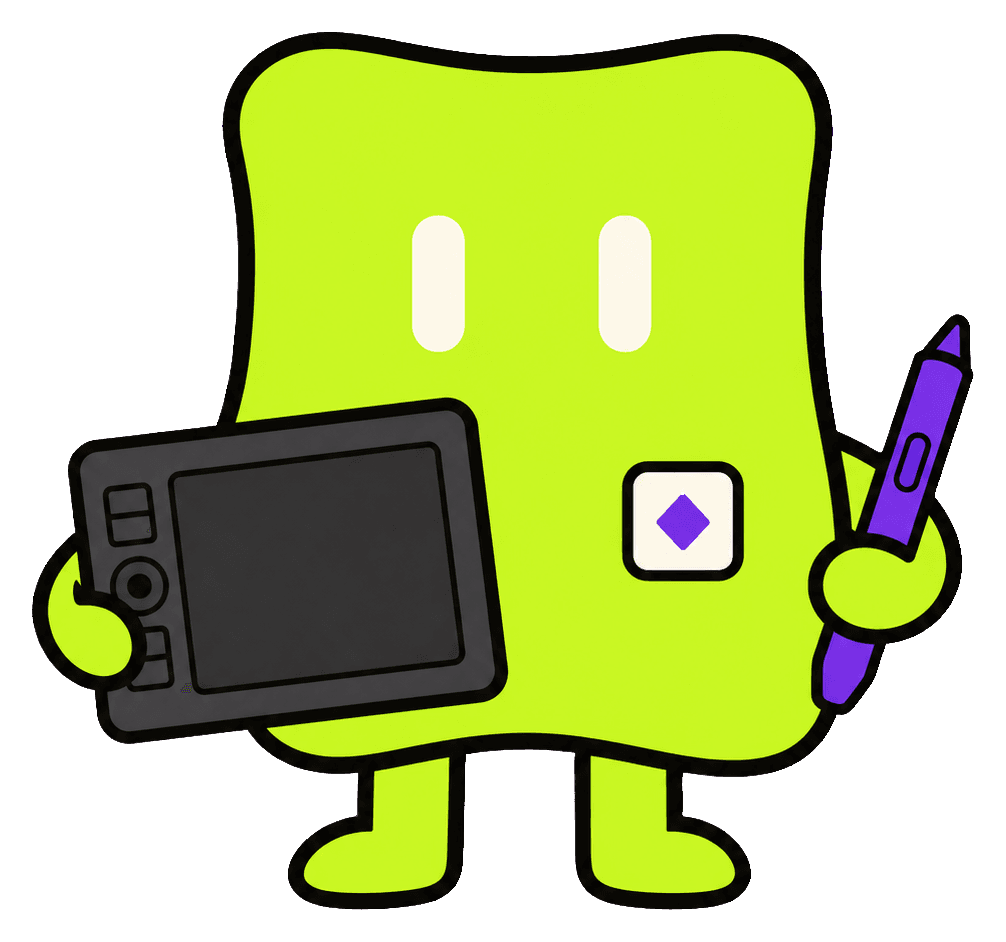
Video Editor
Cuts footage, adds captions, B-roll, music, pacing, and polished aspect-ratio variants.

Start with 10 employees. Expand to all 104 verified roles.
Complete now spans 14 departments, including gym operations, property management, automotive service, and finance.
New / Gym department
Seven gym specialists now cover membership sales, member success, programming, non-clinical nutrition planning, class capacity, trainer operations, and facility coordination.
Grow membership
Inquiries / tours / trials / onboarding / retention
Run the program
Programming / meals / classes / waitlists / capacity
Operate the floor
Trainers / consultations / equipment / facilities / incidents
( Website capability / condensed )
Lena handles multi-page websites. Owen handles focused landing pages. Both can use an editable visual builder or a revisioned Astro codebase that stays inspectable and portable.
Lena / WEB
Page architecture, reusable design systems, responsive structure, metadata, accessibility, and QA.
Owen / PAGE
Offer strategy, supported proof, objection flow, one CTA path, and a mobile-first reading order.
Choose the engine
Use drag-and-drop editing for straightforward work, real project files for code-level freedom, or let the employee choose.
( Shared creative truth )
Humans and employees work on the same project through the same revisioned command system. No flattened PNG pretending to be a design file. No final MP4 with nowhere to go next.
Campaign / Launch film / Revision 18
Make the launch impossible to miss
Built by
your team.
Human and agent changes use the same operations.
Conflicts are caught before work is overwritten.
One composition engine from canvas to export.
Every edit, approval, and artifact stays traceable.
( Buyer-owned by design )
Route reasoning through Codex, supported Claude credentials, or OpenRouter. Select media providers separately.
Set per-role and per-task budgets, fallbacks, tool access, autonomy, and approval requirements.
Run the application, workers, storage, and credentials on infrastructure controlled by your business.
Change the brand, workflows, employees, tools, templates, and product surface from an 80 to 90% complete foundation.
The launch stack
The architecture is designed for extension without trapping your creative projects inside a proprietary black box.
( Build the business case )
Choose the roles you would hire, adjust salary, benefits, tools, implementation, and usage, then compare the first-year cost structures with every assumption visible.
Interactive team calculator
Build the human team. Match the AI employees. See the full model.
( Straight answers )
AI Employees is a self-hosted AI workforce platform sold as editable source code. It combines named employee roles, visual workflows, Conversation AI, approvals, and editable project outputs. You deploy the platform on infrastructure you control and connect your own supported model and media accounts.
A deployed AI Employees installation, working model and media provider credentials, approved offer details, brand assets, source footage if you want video, and a named reviewer. Morgan, Luca, and Miles are included in Core. Set your own task budget and plan for provider usage and infrastructure costs separately.
Compare the offer facts and destination with your brief, open the exported files and editable projects, watch the full video with sound, and review outstanding questions in the task history. Approve the exact final versions before publishing.
No. AI Employees is a deployable source-code foundation designed to run on infrastructure you control. You connect the supported model and media accounts you want to use.
The $999 Core package includes 10 core AI employees. The $1,799 Complete package currently includes all 104 verified employee roles across 14 departments. Both include the same buyer-owned platform, workflow builder, Conversation AI, MCP and browser controls, source code, deployment path, and one year of updates.
Use the filtered workforce directory on this page to see every employee and job. Core includes the 10-person creative team. Complete adds 94 specialists across growth, SEO, front-office operations, construction, field services, gym operations, property management, automotive service, and finance.
Build versioned workflows from triggers, forms, live conversation objectives, conditions, data, employee assignments, approvals, waits, safe action proposals, MCP control, browser control, and recorded outcomes. Conversation steps can qualify leads, collect fields, schedule consent-aware follow-up, route opt-outs, and hand work to the right employee or person.
The normalized conversation runtime supports web chat, SMS, email, WhatsApp, Instagram, Facebook, and custom sources. An iMessage bridge or other provider can connect through the documented adapter contract. Your source controls inbound normalization and outbound delivery while the workflow controls objectives, exits, waits, approvals, and employee handoffs.
Use MCP when the target system exposes a reliable structured tool or API. Use browser control when a public website is the only practical interface. External or mutating MCP calls require approval, and every browser run uses approval, declared public domains, a hard action limit, and a completed-or-blocked receipt.
Yes. Employees modify the same source projects humans edit. Graphics, decks, motion, and video remain structured projects instead of becoming flattened AI images or opaque chat attachments.
Yes. The routing layer is designed for Codex, supported Claude API or cloud credentials, and OpenRouter, with media providers selected separately. Provider rules, fallbacks, and budgets stay visible.
Yes. The product includes an employee extension path so a buyer can add a manifest, prompts and skills, tool access, routing defaults, quality gates, and tests without rebuilding the platform core.
One year of code updates is included in both packages. There is no separate update add-on at checkout.
The DevLaunch collection
Pick the tool you need. Or get the collection with All Access.
Cleaning business software
Book the clean, dispatch the crew, review the work, and invoice the customer. Residential and commercial software you own.
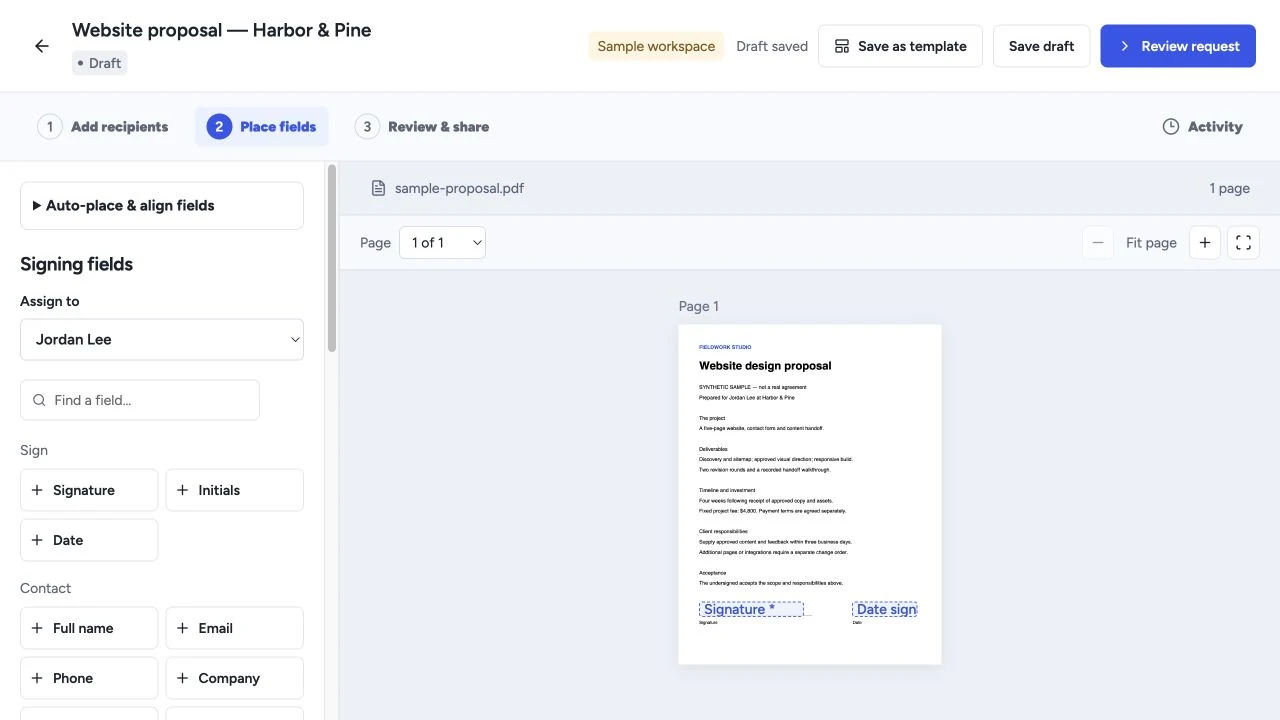
Proposals & signing
Create proposals, quotes and templates, collect electronic signatures, and manage client workflows with software you own.
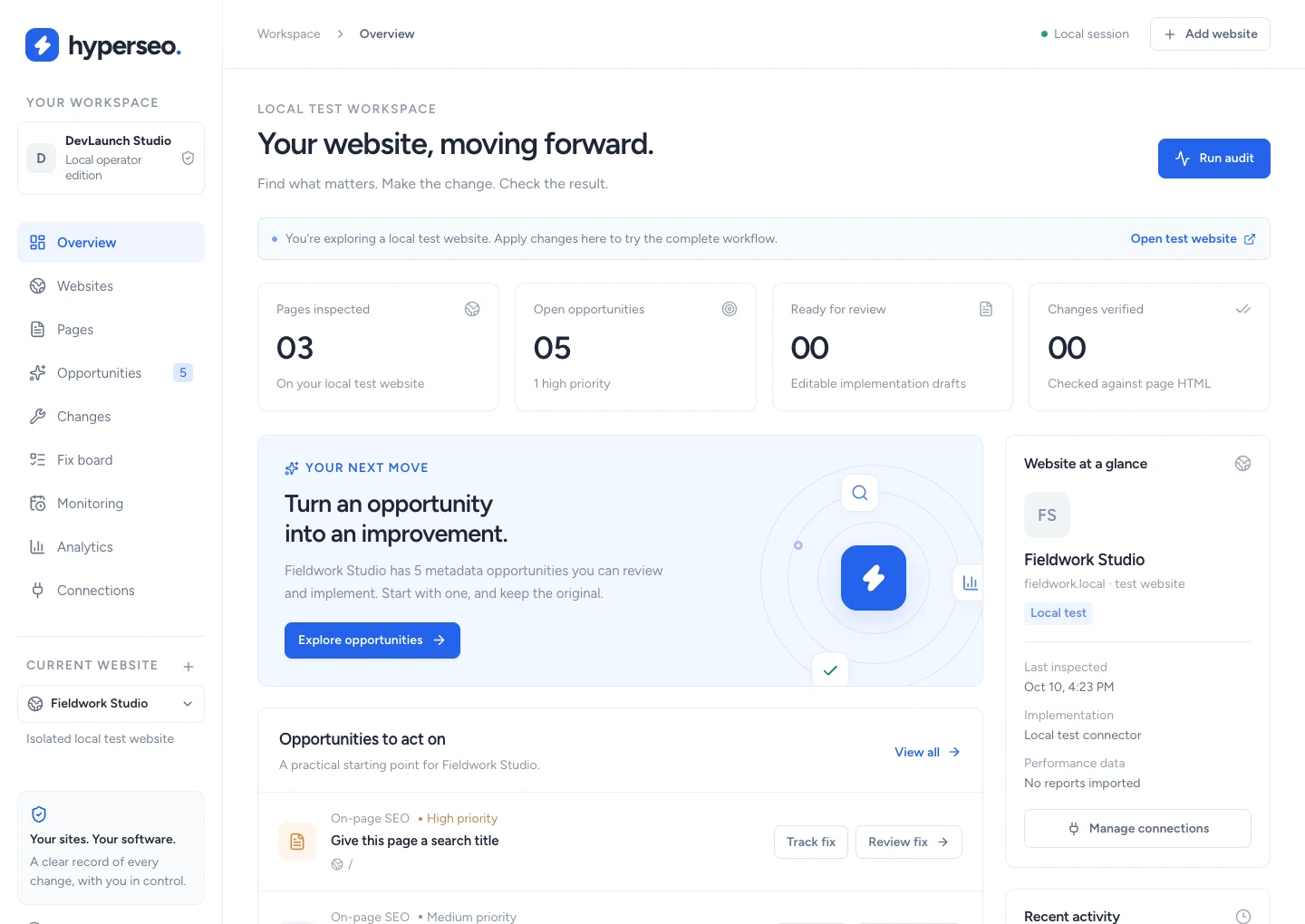
SEO & analytics
Audit websites, connect search and conversion evidence, and review, implement, verify and restore supported SEO fixes.
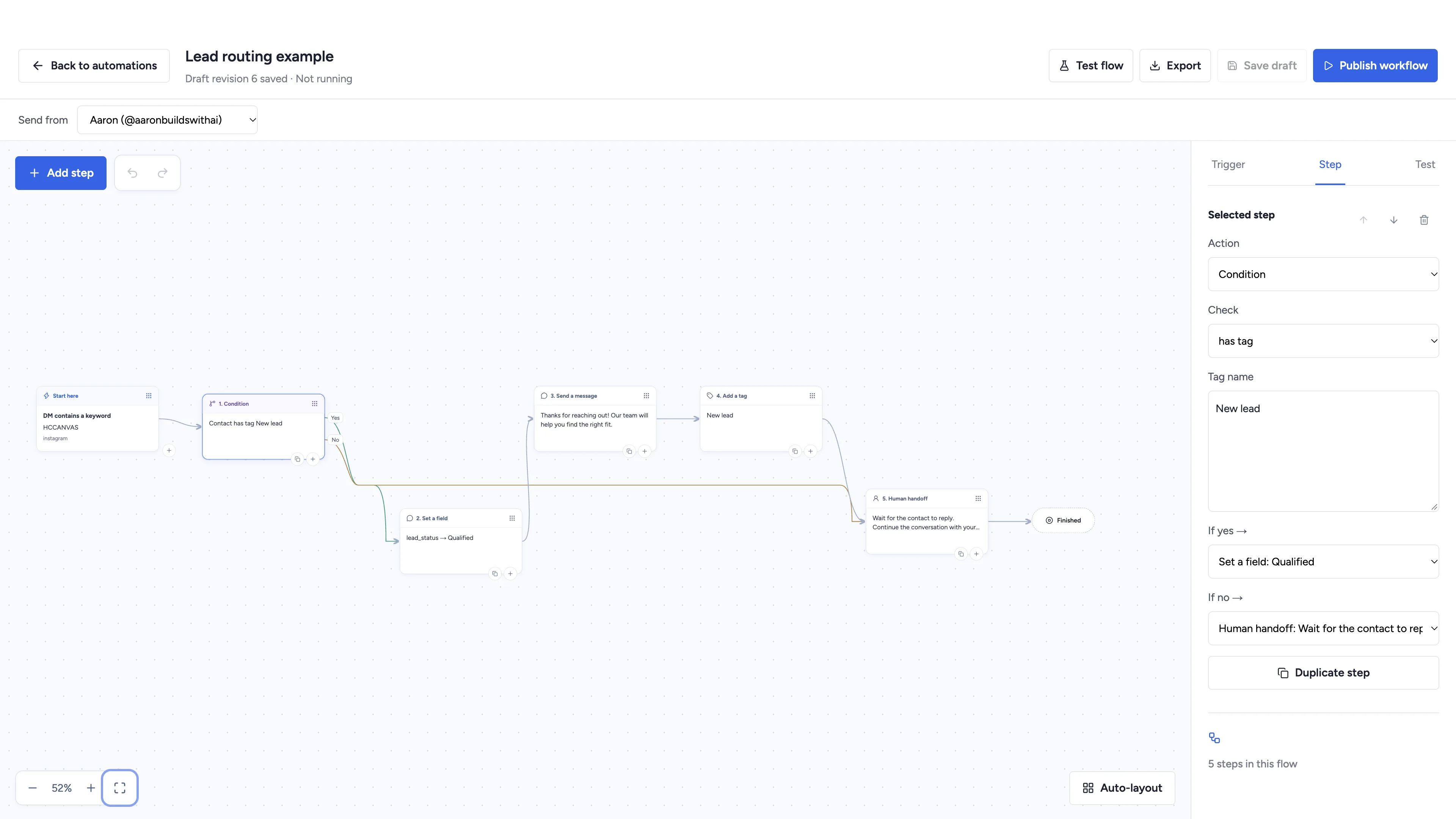
Social automation
Automate conversations, schedule social content, and manage client workspaces with software you own.
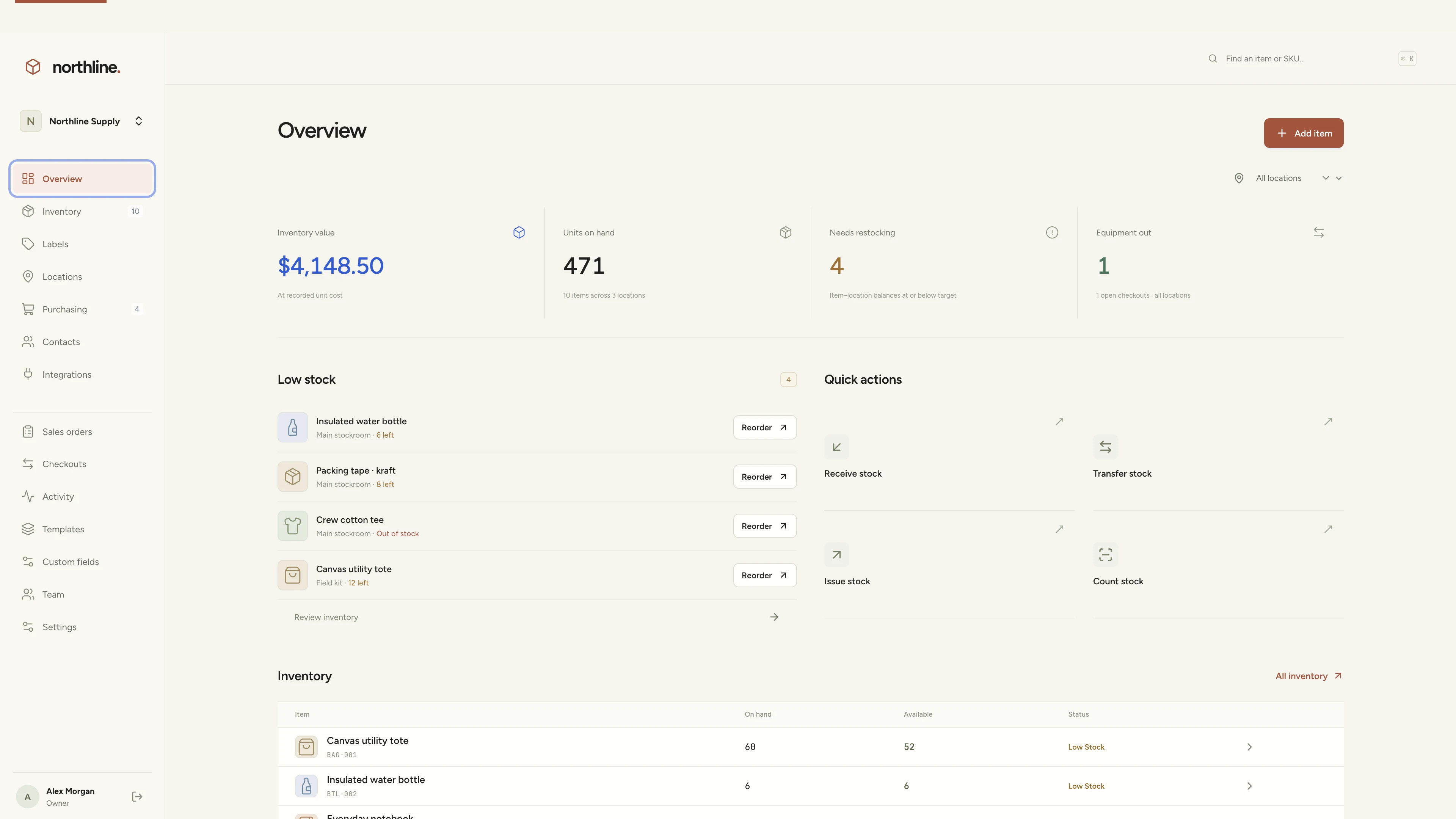
Inventory management
Manage products, supplies, equipment, and custom labels in a workspace you own.
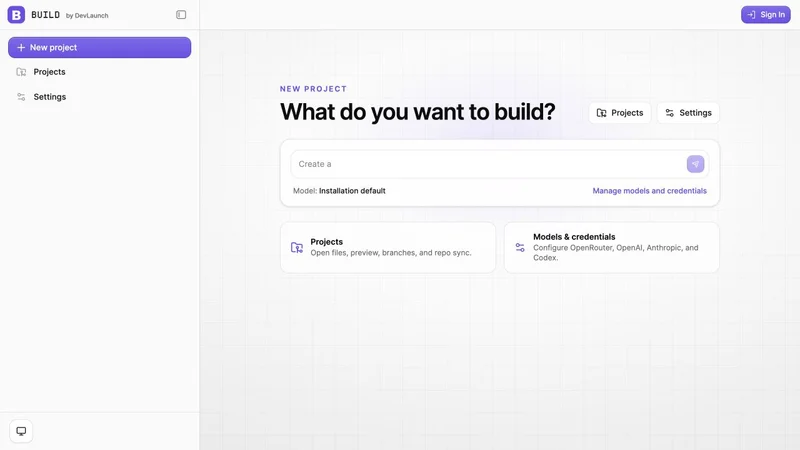
AI app builder
Build websites, portals, and internal tools with a visual workspace you own.
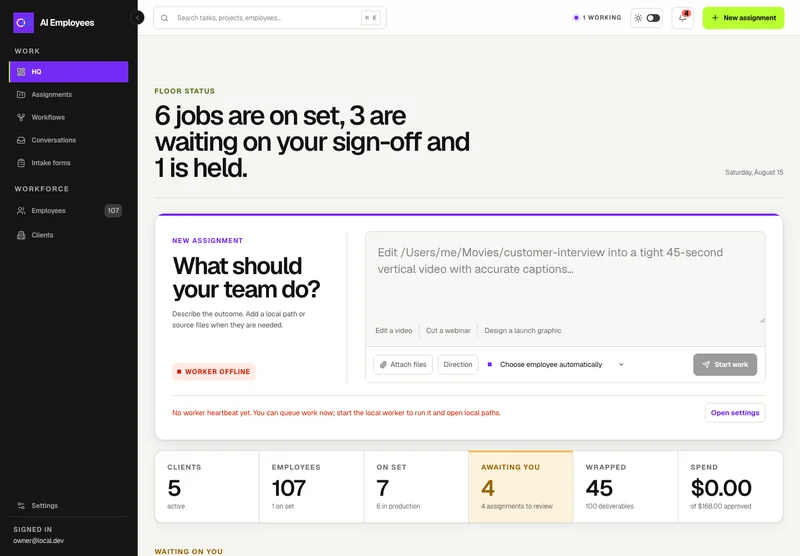
Your AI workforce
Put specialist AI employees to work across sales, creative, and operations.
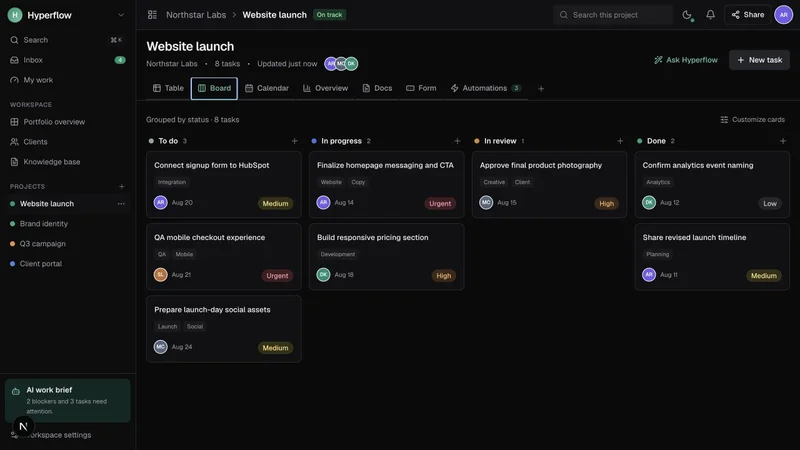
Project management
Bring projects, tasks, and client work together in a platform you control.
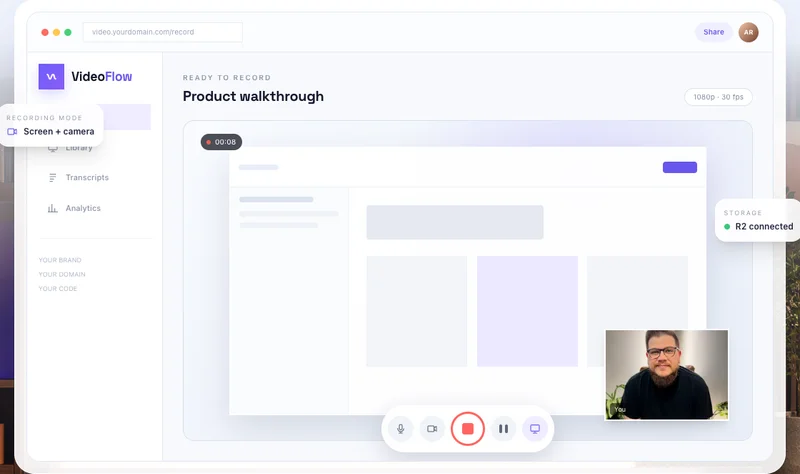
Record & share video
Record, edit, transcribe, and share video with your own branded platform.
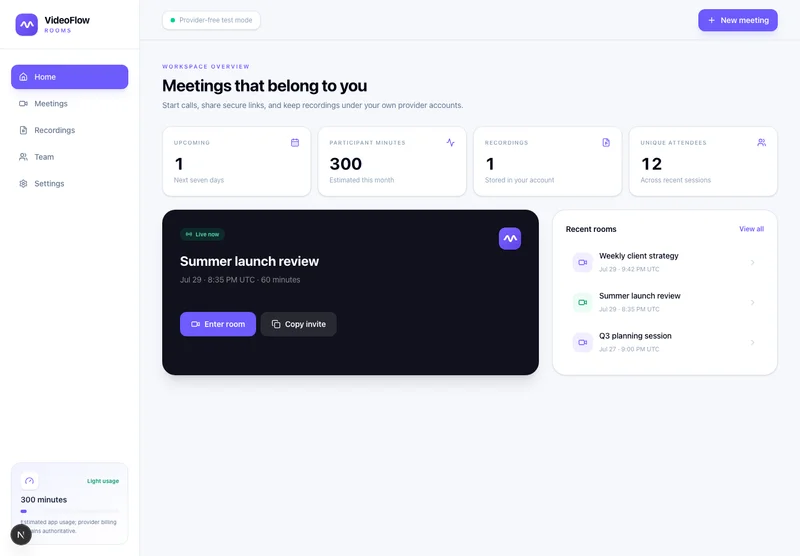 Prelaunch
Meetings & webinars
Host branded calls, workshops, and webinars on your own infrastructure.
 Beta
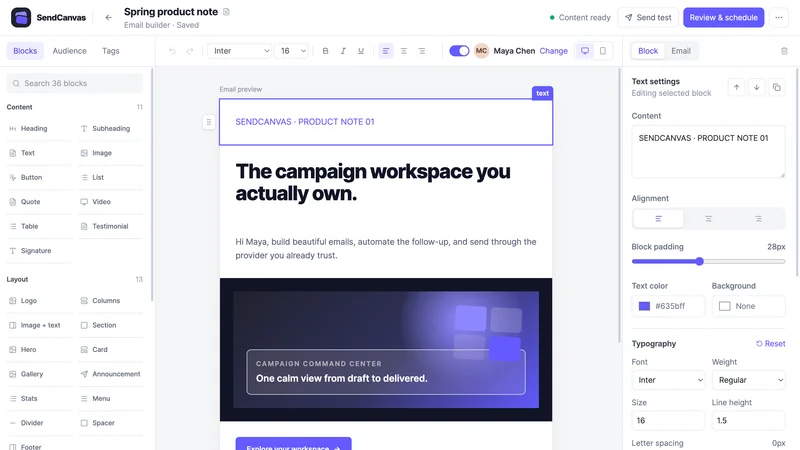
BetaEmail marketing
Create campaigns, emails, forms, and automations with your own providers.
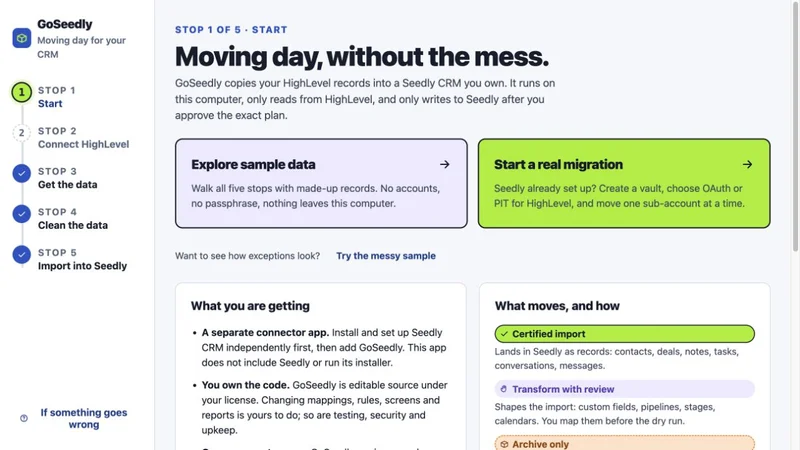
CRM migration kit
Export, review, and move supported CRM records into your Seedly installation.
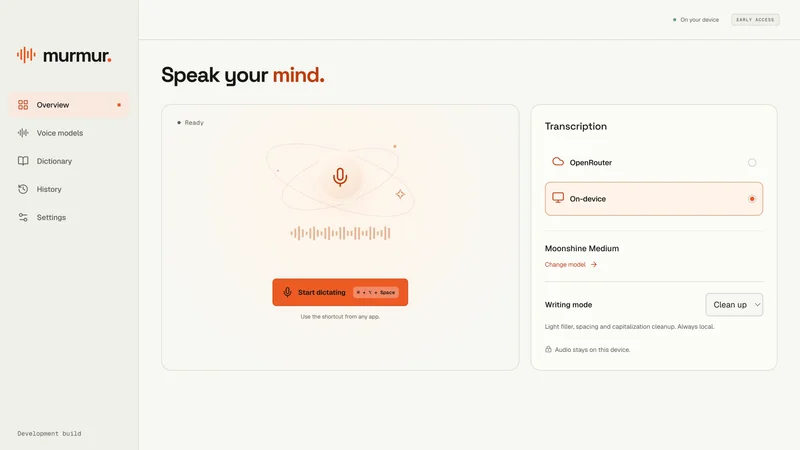
Voice to text
Turn your voice into text with a desktop dictation app and local models.
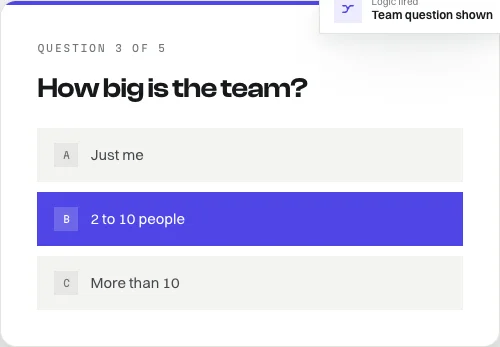
Open-source forms
Build forms with conditional logic, file uploads, and a database you own.
Software and source-code products. Hosting and third-party services are separate. See each product for details.
Customer experiences / Trustpilot
Selected excerpts from reviews of DevLaunch training, software, and services. Individual customer experiences across DevLaunch.
We use essential storage to keep the site working. With your permission, we also use analytics and the Whop Pixel to understand visits and advertising results. Optional analytics stay off until you choose.
Read our Cookie Policy and Privacy Policy.