Before
Plan with confidence
Schedule the room, set access, collect reminders, and build a branded waiting experience.
Meet, present, broadcast, record, and remember—inside one polished browser experience with your brand, your domain, and your source code.
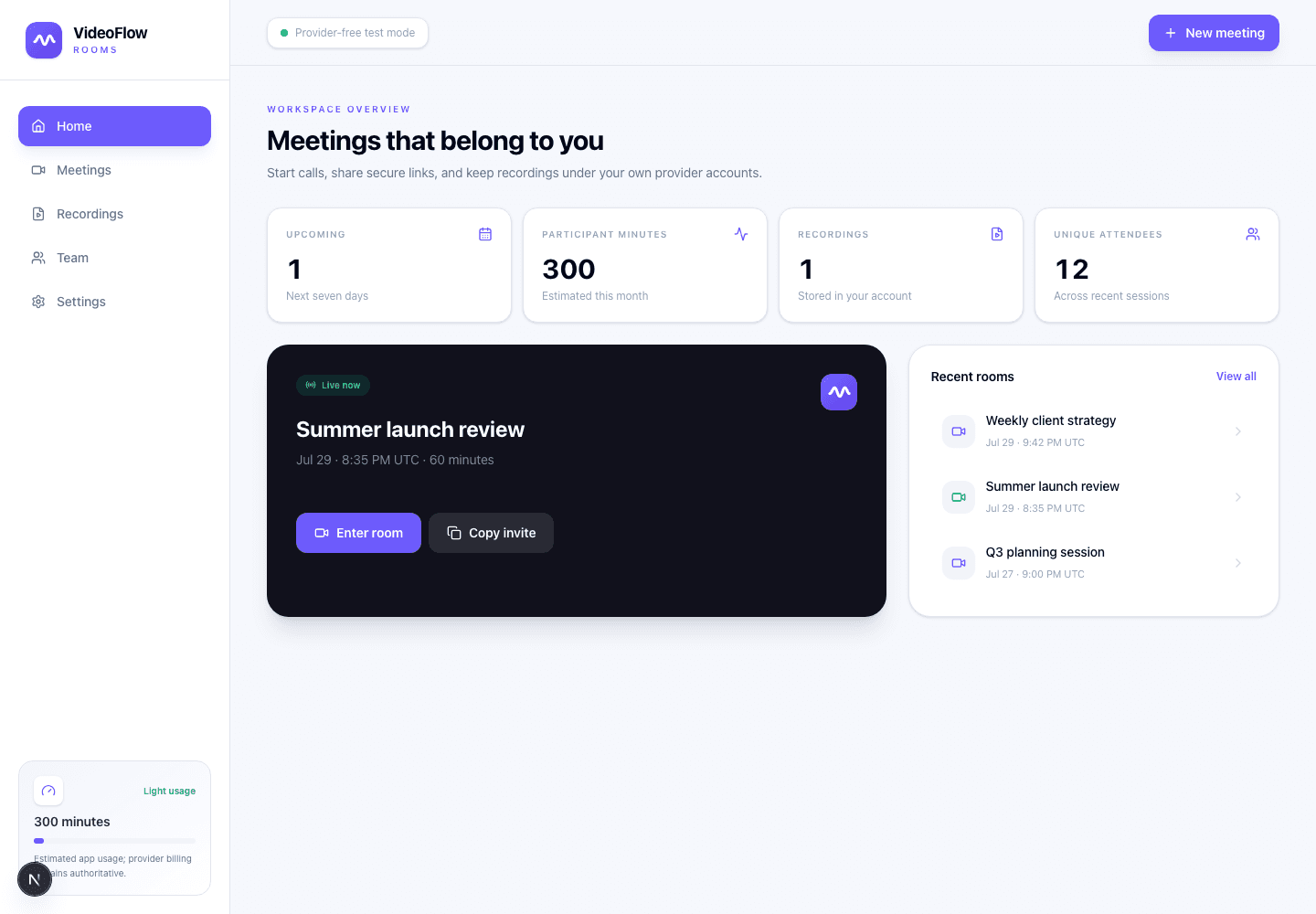
01
Invite
One link for every guest
02
Produce
Preview before it goes live
03
Engage
Chat, polls, Q&A, resources
04
Review
Recording and event data
One continuous workflow
A meeting link is only the doorway. Rooms keeps the work around it connected, too.
Before
Schedule the room, set access, collect reminders, and build a branded waiting experience.
During
Operate the lobby, stage, program, audience, media, engagement, and recording from one place.
After
Download attendance, review webinar activity, open the recording, and keep the room history.
The real product
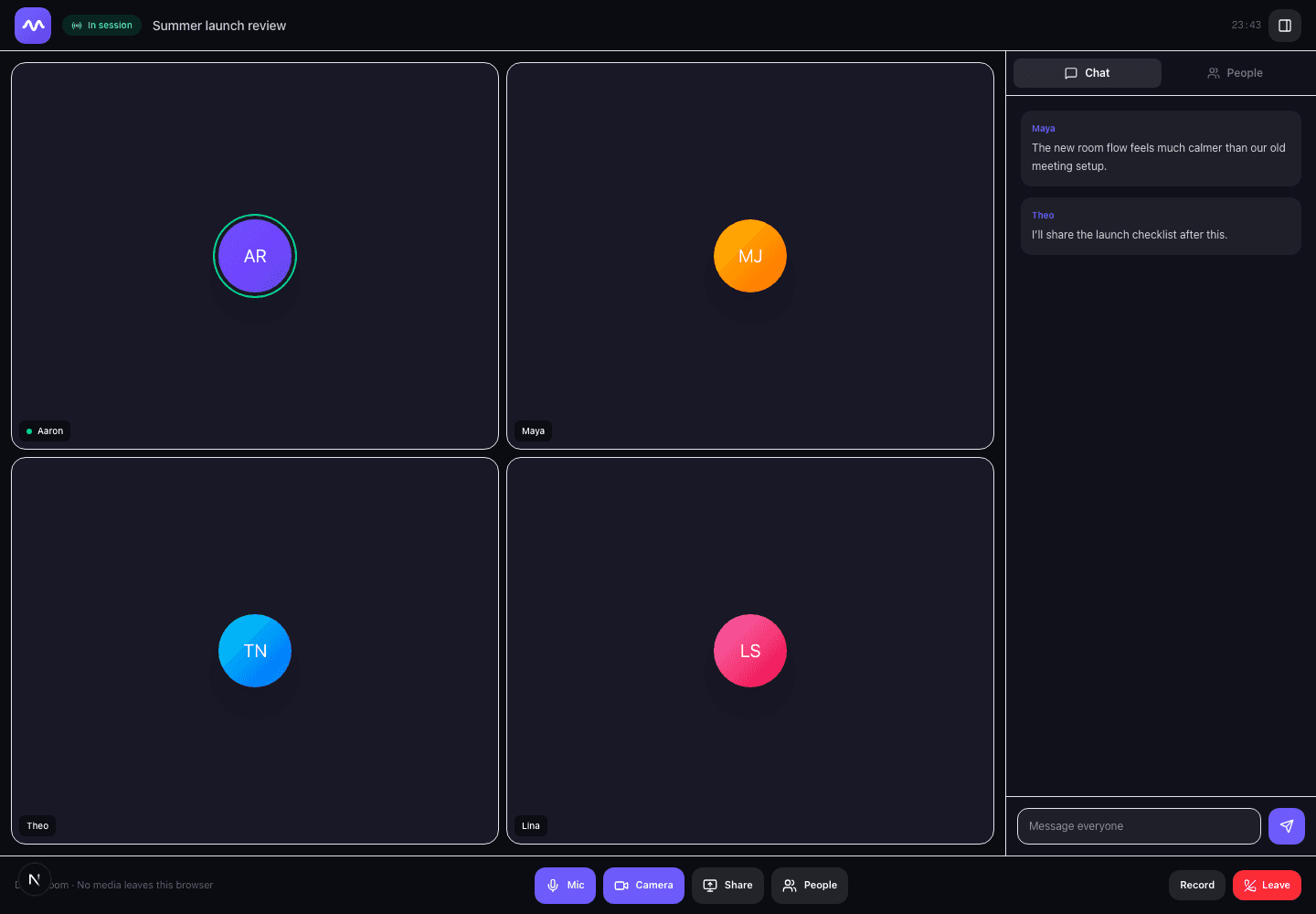
Keep cameras, screen sharing, people, and persistent chat together without forcing guests through a complicated interface or account setup.
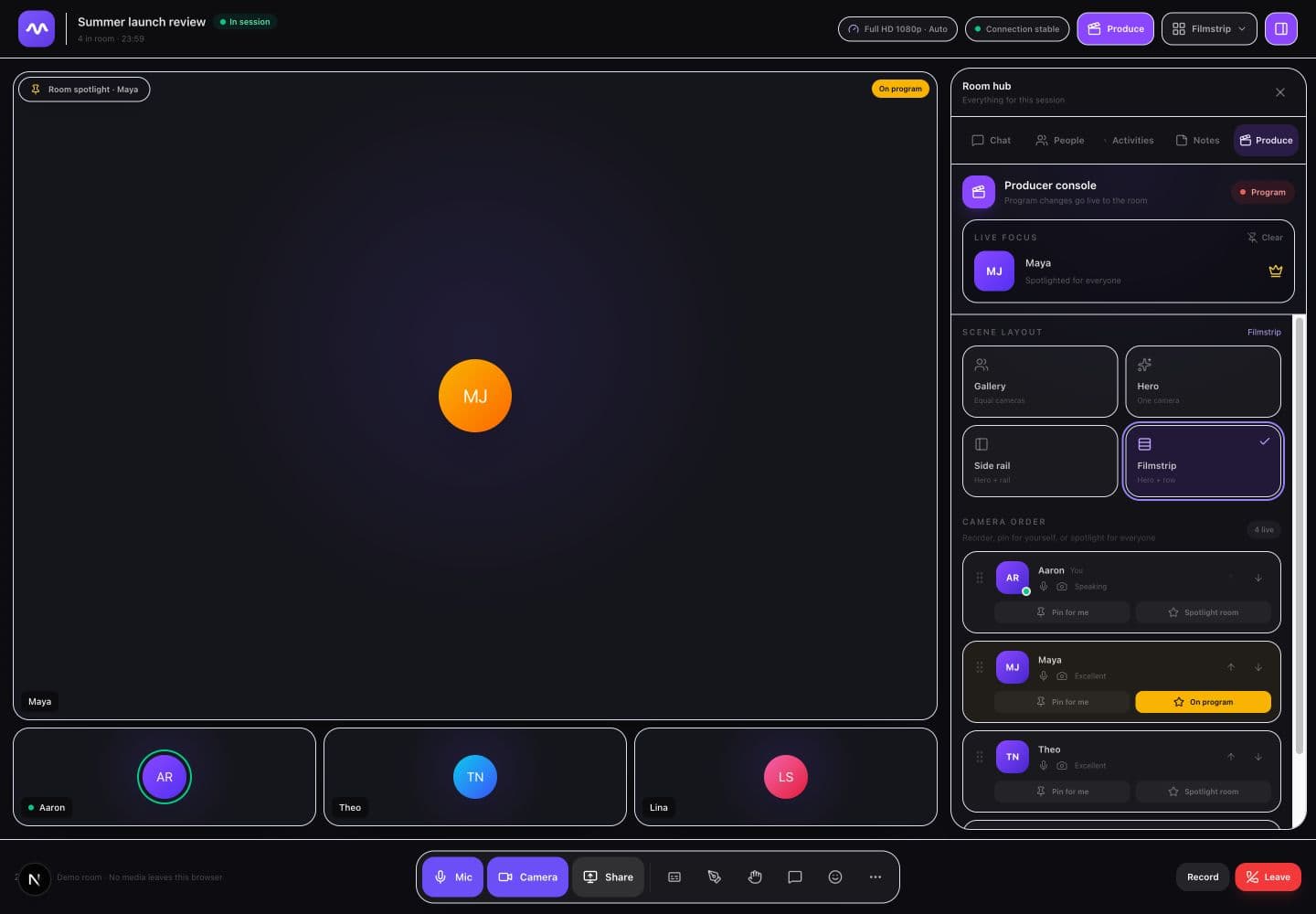
Built-in studio
Keep production decisions with the host. Choose the room-wide layout, reorder the camera rail, spotlight a presenter, add lower thirds or banners, and control what the room sees.
What is already inside
These are working capabilities in the current Rooms product—not a wishlist for later.
Switch the same room between collaborative meetings and produced webinar mode without rebuilding your event.
Preview scenes, then take cameras, slides, video, countdowns, and holding screens live for guests.
Run moderated chat, Q&A, polls, reactions, announcements, hand raises, and featured questions.
Use a private link, registered-email access, a passcode, a waiting room, or a locked room.
Capture the finished program view—including your scene choices and lower thirds—not just a raw call grid.
Export attendance and review registrations, watch time, resource clicks, and webinar activity after the room ends.
Complete capability map
Rooms covers the full event lifecycle—from scheduling and admission through live production, collaboration, recordings, meeting memory, and buyer-controlled governance.
Plan and invite
Meet and collaborate
Produce and broadcast
Remember and act
Own and govern
Choose for the operating model
Zoom is strongest at scale, WebinarKit at automated webinar funnels, and Meet inside Google Workspace. Rooms is for teams that want meetings, webinars, production, memory, and infrastructure under their own brand and control.
| Capability | VideoFlow Rooms | Zoom | WebinarKit | Google Meet |
|---|---|---|---|---|
| Primary fit | Buyer-owned meetings + webinars | Scaled meetings + events | Live + automated webinar funnels | Workspace-native meetings |
| Browser guest entry | Yes — no guest account | Yes — host-controlled web option | Yes — browser watch rooms | Yes — anonymous access can be allowed |
| Meetings and webinars | Two modes in the same product | Meetings + separately licensed webinars | Separate webinar and meetings products | Meetings + eligible-tier livestreaming |
| Producer studio | Scenes, program preview, overlays, media cues | Production Studio on eligible webinar plans | Live webinar control room | Automatic meeting layout |
| Automated webinars | On the roadmap | Simulive on premium event plans | Core capability | No |
| Breakout rooms | Included | Included in Meetings | Not a core webinar workflow | Available on eligible tiers |
| Persistent work | Chat, polls, Q&A, notes, memory, actions | Varies by product and plan | Webinar chat, replays, and analytics | Chat, transcripts, and notes on eligible tiers |
| Brand and domain | Product-level brand + buyer domain | Session branding options | Custom domains and white-label options | Google Workspace identity |
| Recording storage | Buyer-owned private object storage | Zoom cloud or local recording | Hosted session recordings | Organizer's Google Drive |
| Deployment model | Buyer-deployed application | Zoom-hosted SaaS | WebinarKit-hosted SaaS | Google-hosted SaaS |
Comparison reflects publicly documented capabilities reviewed August 2026. Competitor availability varies by product, edition, account settings, region, and add-on. “Included” for Rooms describes the current private-launch codebase; optional providers still require configuration.
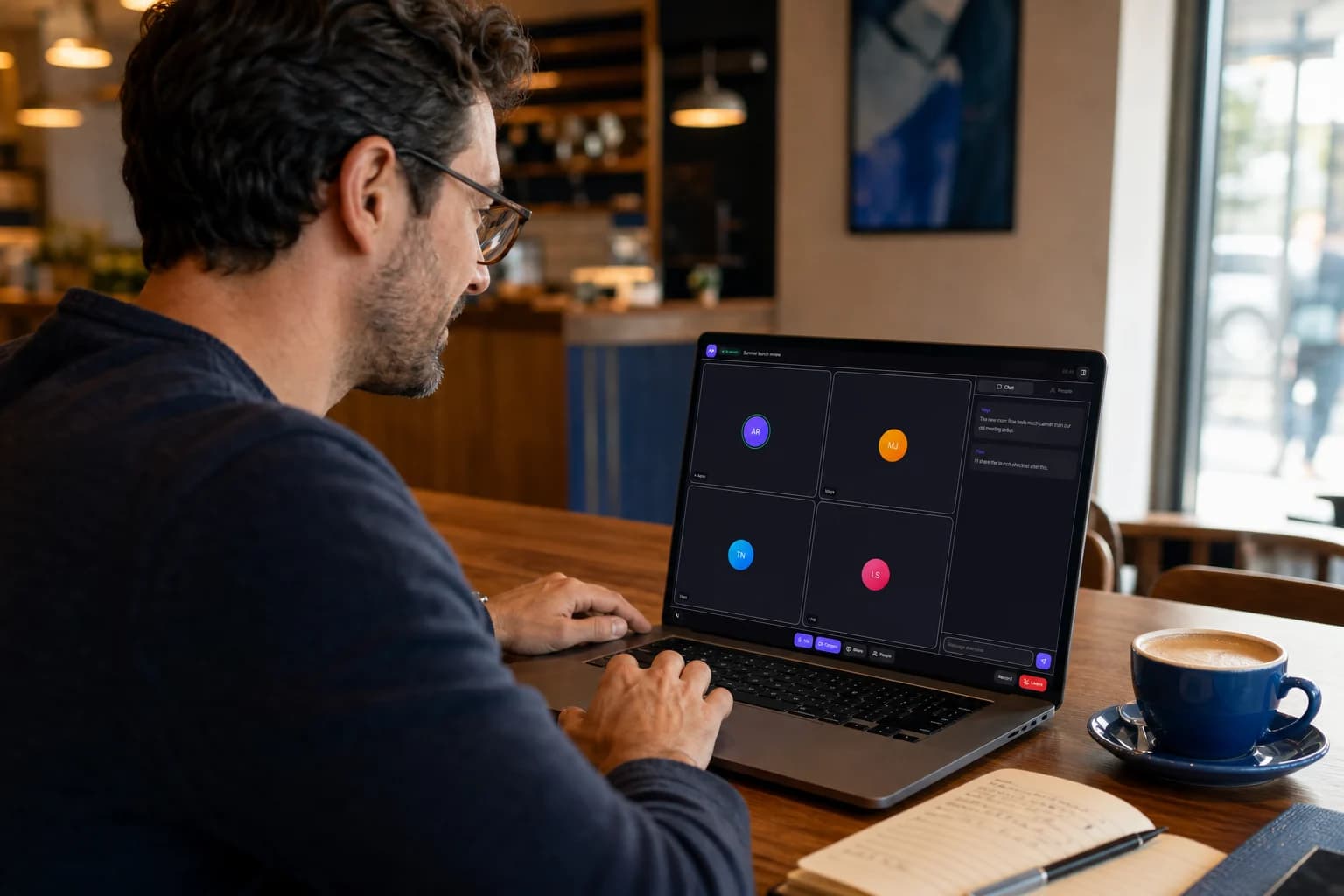
Your room goes where the work goes
Move from a client's office to a coworking space or coffee shop without changing the experience guests enter. The interface, workflow, recordings, and meeting history stay connected to your business.
Before you ask
Rooms is a private prelaunch codebase. The answers here cover purchase terms, optional providers, and what buyers receive today.
No. Guests open the private room link in a supported desktop or mobile browser, choose their camera and microphone, and join from there.
Yes. Meeting mode keeps the room collaborative. Webinar mode gives the host and production team tighter control over the stage, audience, chat, questions, resources, and broadcast state.
Yes. You can add signed-in backup producers who can operate the lobby, studio, scenes, moderation, and live controls without sharing the owner account.
Rooms is being built in the same ownership-first spirit as VideoFlow. Branding, guest experience, workflows, and integrations are designed to be shaped around the business running the room.
It includes the current private-launch VideoFlow Rooms source code and setup documentation as a one-time purchase. Optional services such as video infrastructure, storage, email, calendars, transcription, and AI require your own provider accounts and configuration.
The bundle includes everything in the $299 VideoFlow Rooms prelaunch purchase plus the complete VideoFlow 2.5 source for web, iOS, and Android and one year of new VideoFlow buyer code releases. The two products cost $696 separately, so the bundle saves $96.
VideoFlow Rooms is a downloadable source-code product. Because the codebase and licensing materials cannot be returned once access is granted, all purchases are final and non-refundable.
Not yet. This is a private prelaunch codebase, so features and setup requirements can continue to evolve. The page shows the current working product and clearly separates optional provider-dependent capabilities.
The DevLaunch collection
Pick the tool you need. Or get the collection with All Access.
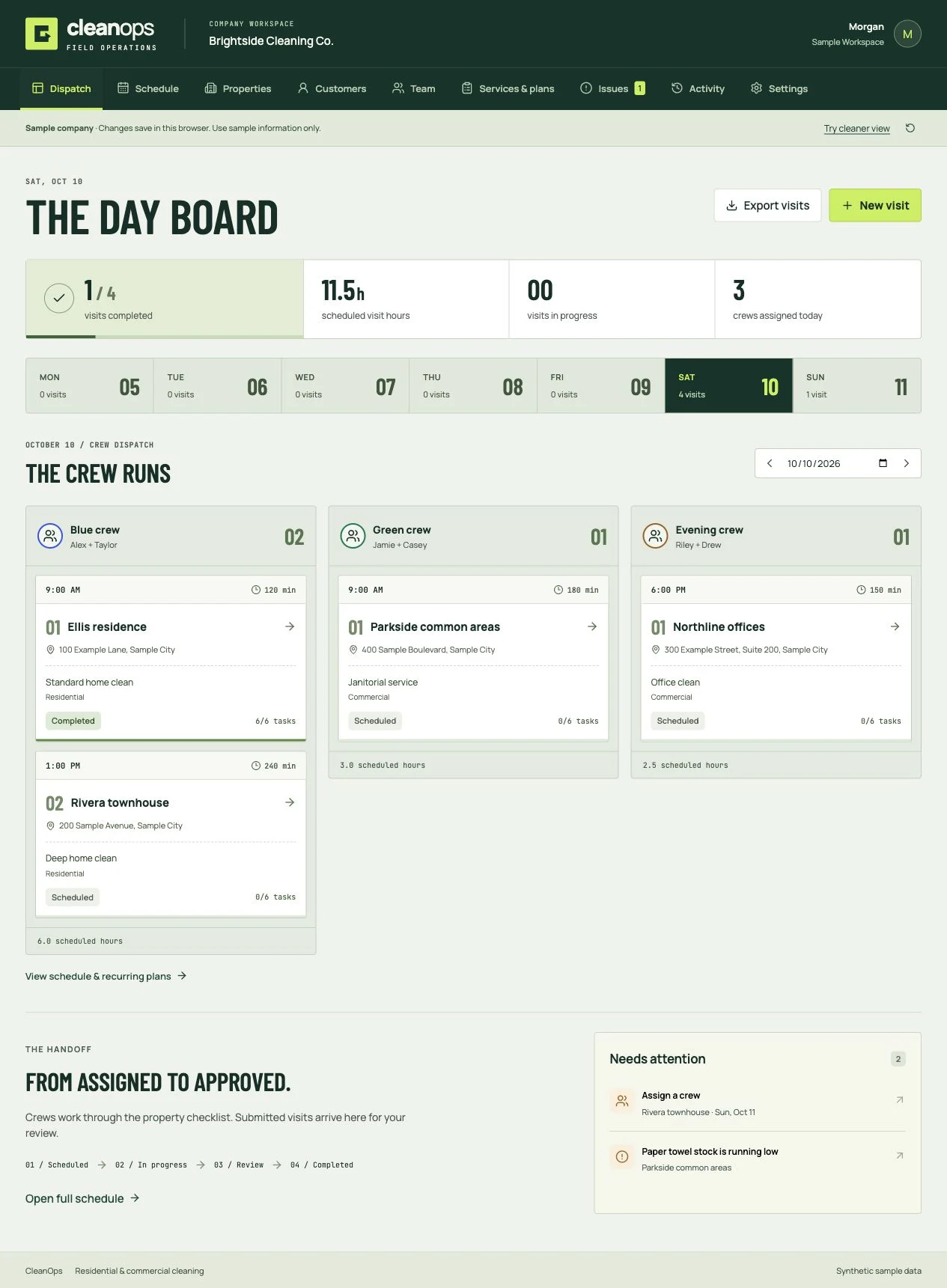
Cleaning business software
Book the clean, dispatch the crew, review the work, and invoice the customer. Residential and commercial software you own.
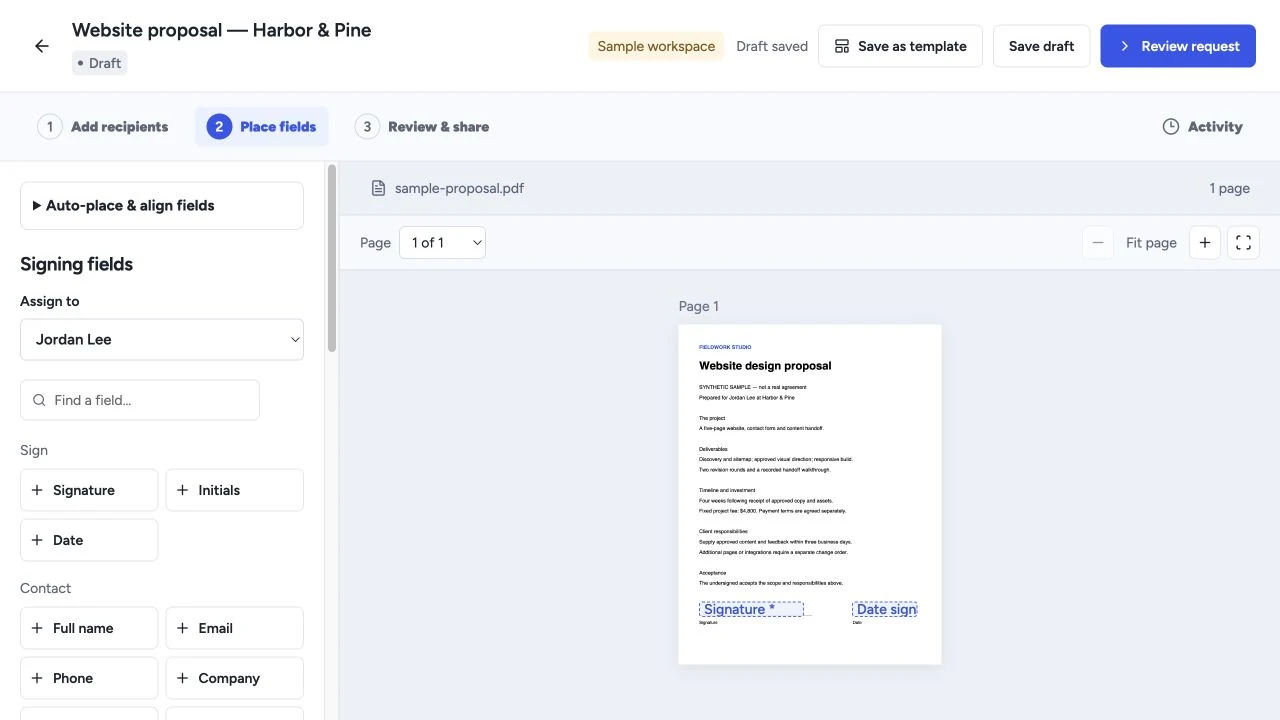
Proposals & signing
Create proposals, quotes and templates, collect electronic signatures, and manage client workflows with software you own.
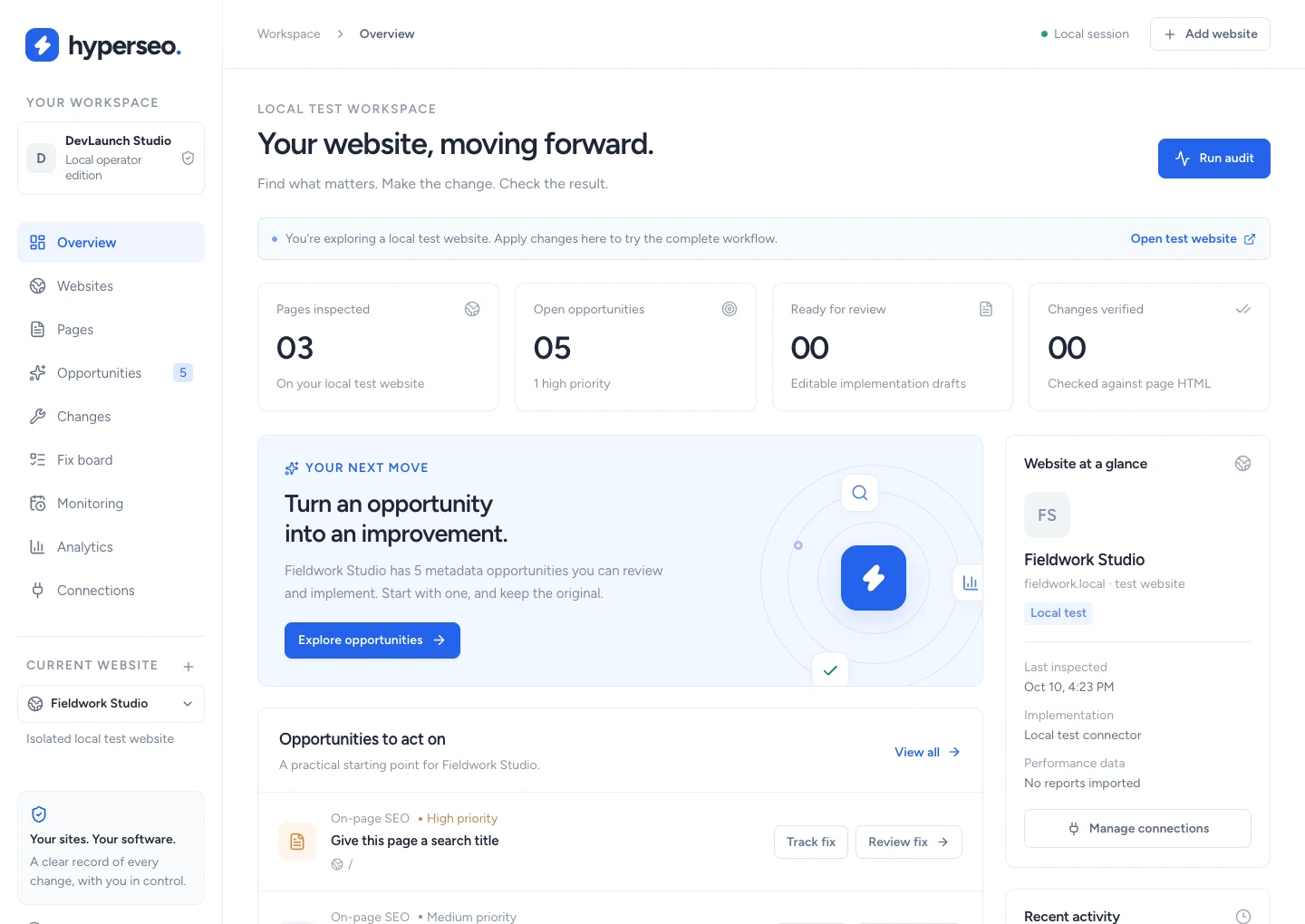
SEO & analytics
Audit websites, connect search and conversion evidence, and review, implement, verify and restore supported SEO fixes.
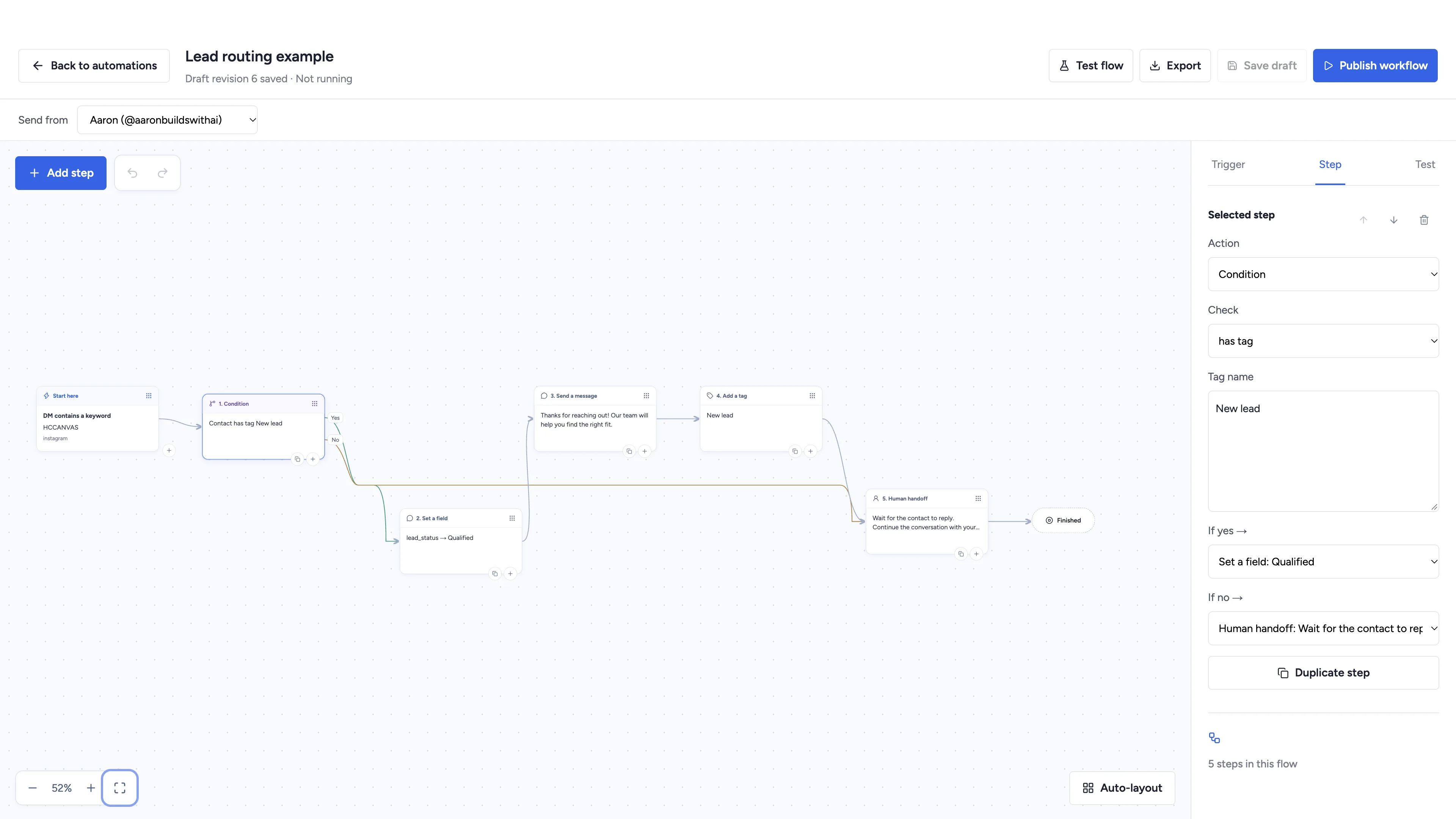
Social automation
Automate conversations, schedule social content, and manage client workspaces with software you own.
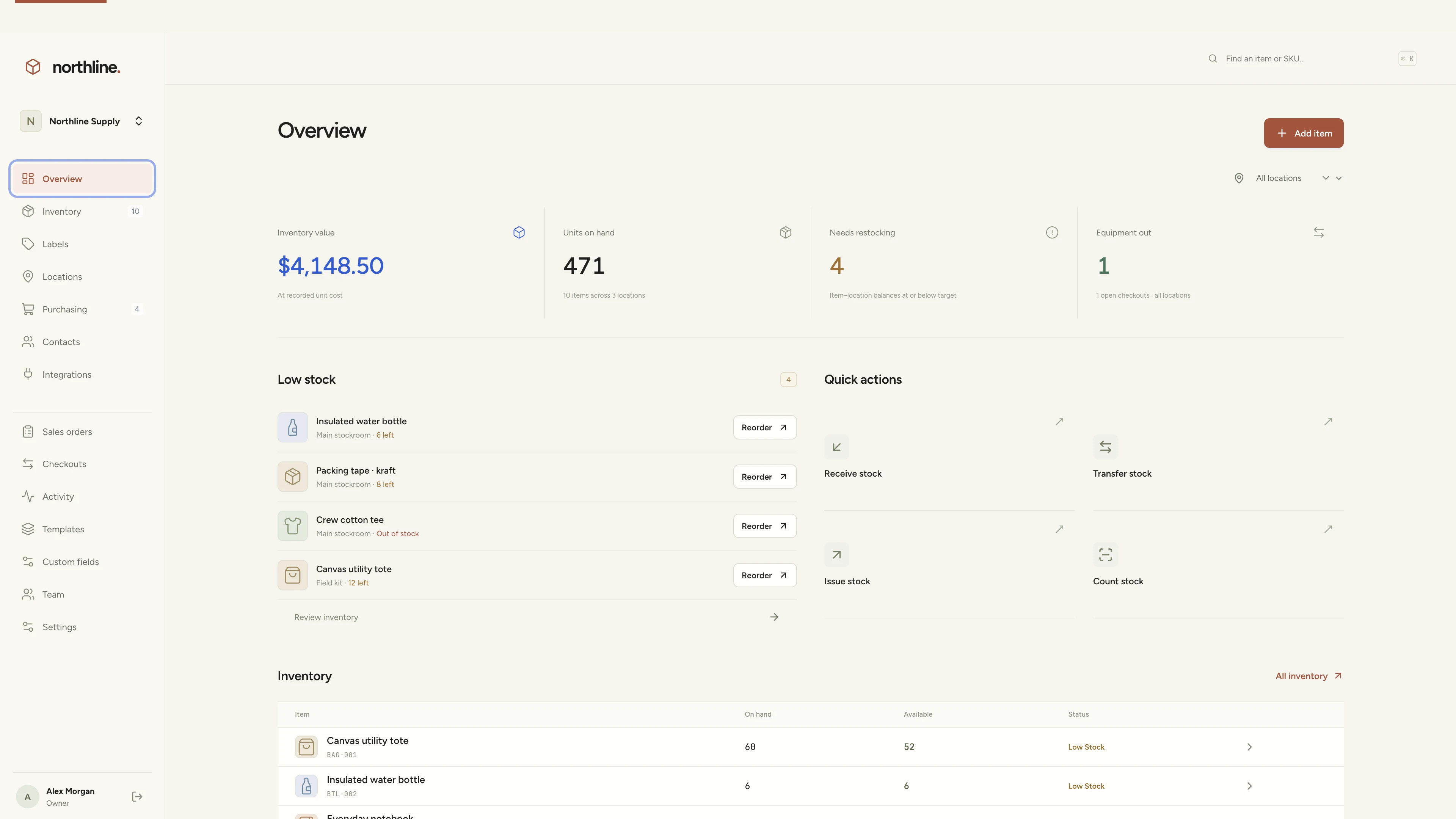
Inventory management
Manage products, supplies, equipment, and custom labels in a workspace you own.
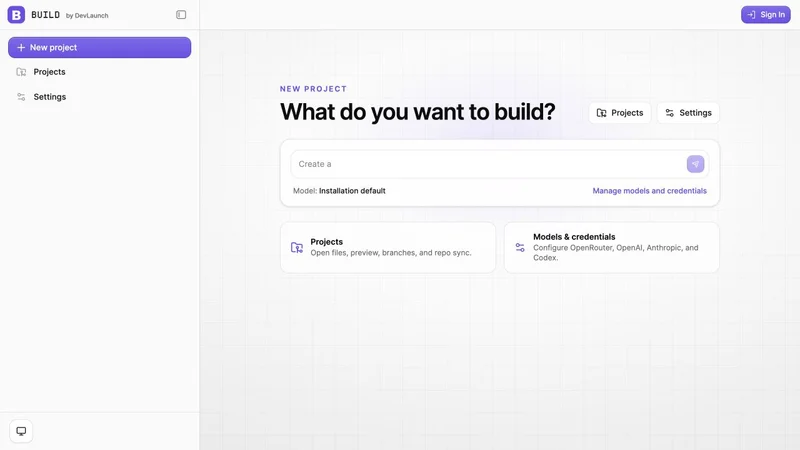
AI app builder
Build websites, portals, and internal tools with a visual workspace you own.
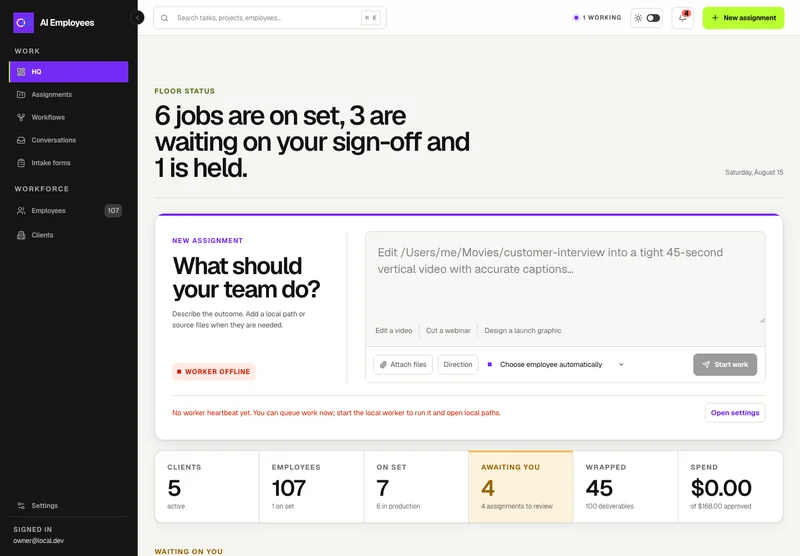
Your AI workforce
Put specialist AI employees to work across sales, creative, and operations.
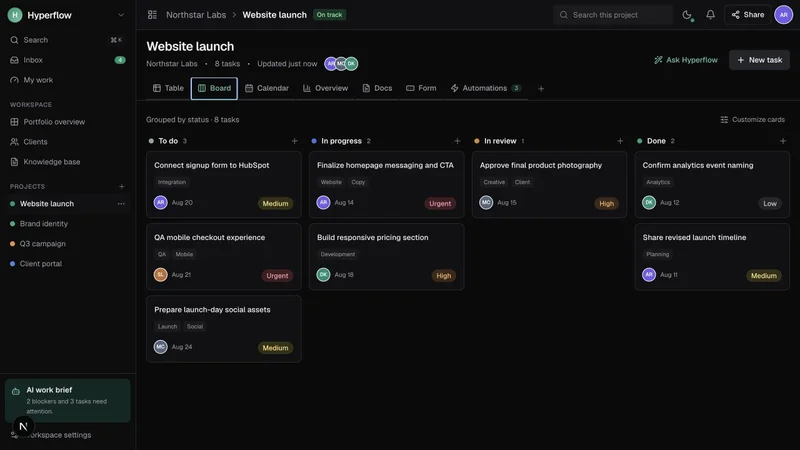
Project management
Bring projects, tasks, and client work together in a platform you control.
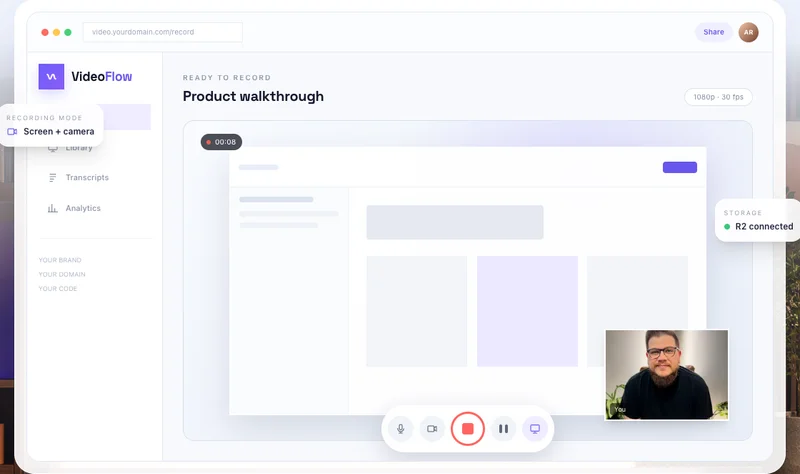
Record & share video
Record, edit, transcribe, and share video with your own branded platform.
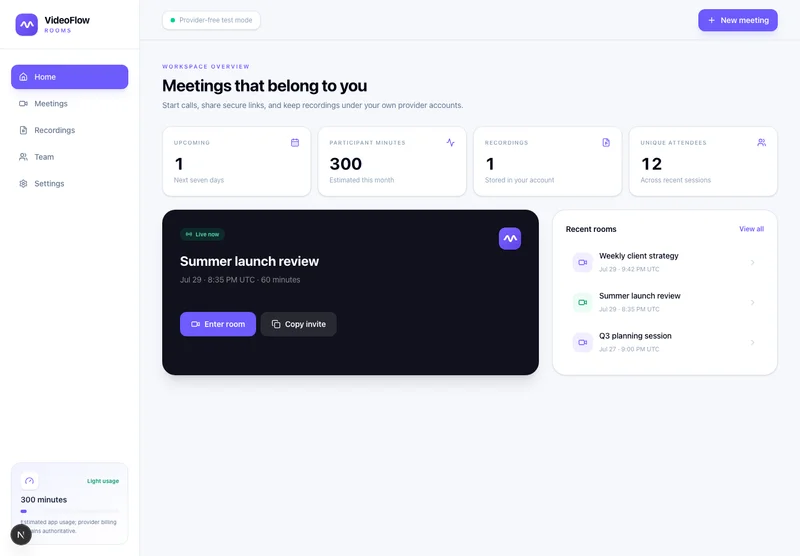 Prelaunch
Meetings & webinars
Host branded calls, workshops, and webinars on your own infrastructure.
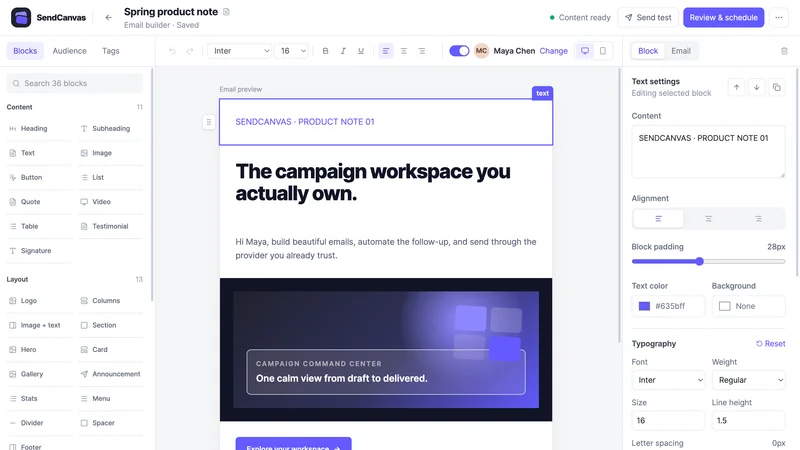 Beta
BetaEmail marketing
Create campaigns, emails, forms, and automations with your own providers.
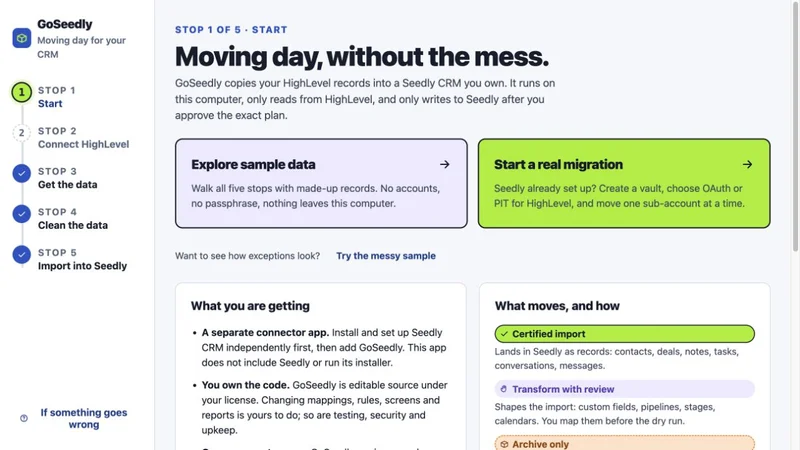
CRM migration kit
Export, review, and move supported CRM records into your Seedly installation.
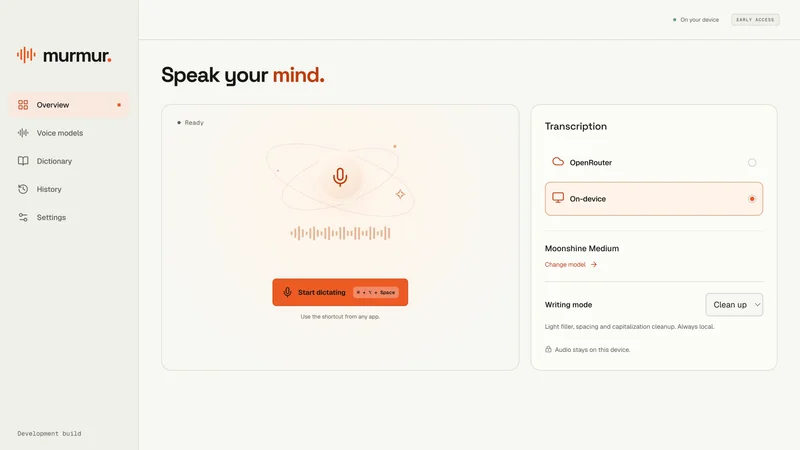
Voice to text
Turn your voice into text with a desktop dictation app and local models.
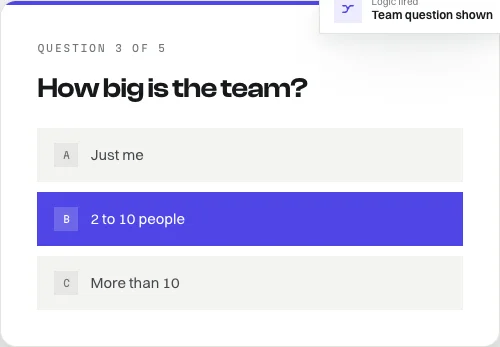
Open-source forms
Build forms with conditional logic, file uploads, and a database you own.
Software and source-code products. Hosting and third-party services are separate. See each product for details.
Customer experiences / Trustpilot
Selected excerpts from reviews of DevLaunch training, software, and services. Individual customer experiences across DevLaunch.
We use essential storage to keep the site working. With your permission, we also use analytics and the Whop Pixel to understand visits and advertising results. Optional analytics stay off until you choose.
Read our Cookie Policy and Privacy Policy.